You can learn about and practice Writing using our Guided Skills courses, our individual practice questions, and our full mock tests.
You can also use the AI Mini Mock test: a quick, free assessment tool that gives you a snapshot of your IELTS readiness. It provides detailed AI scoring and feedback for Speaking and Writing. Read the article for more information and get started!
IELTS Ready Premium
There are several ways we can help you with IELTS Writing practice.
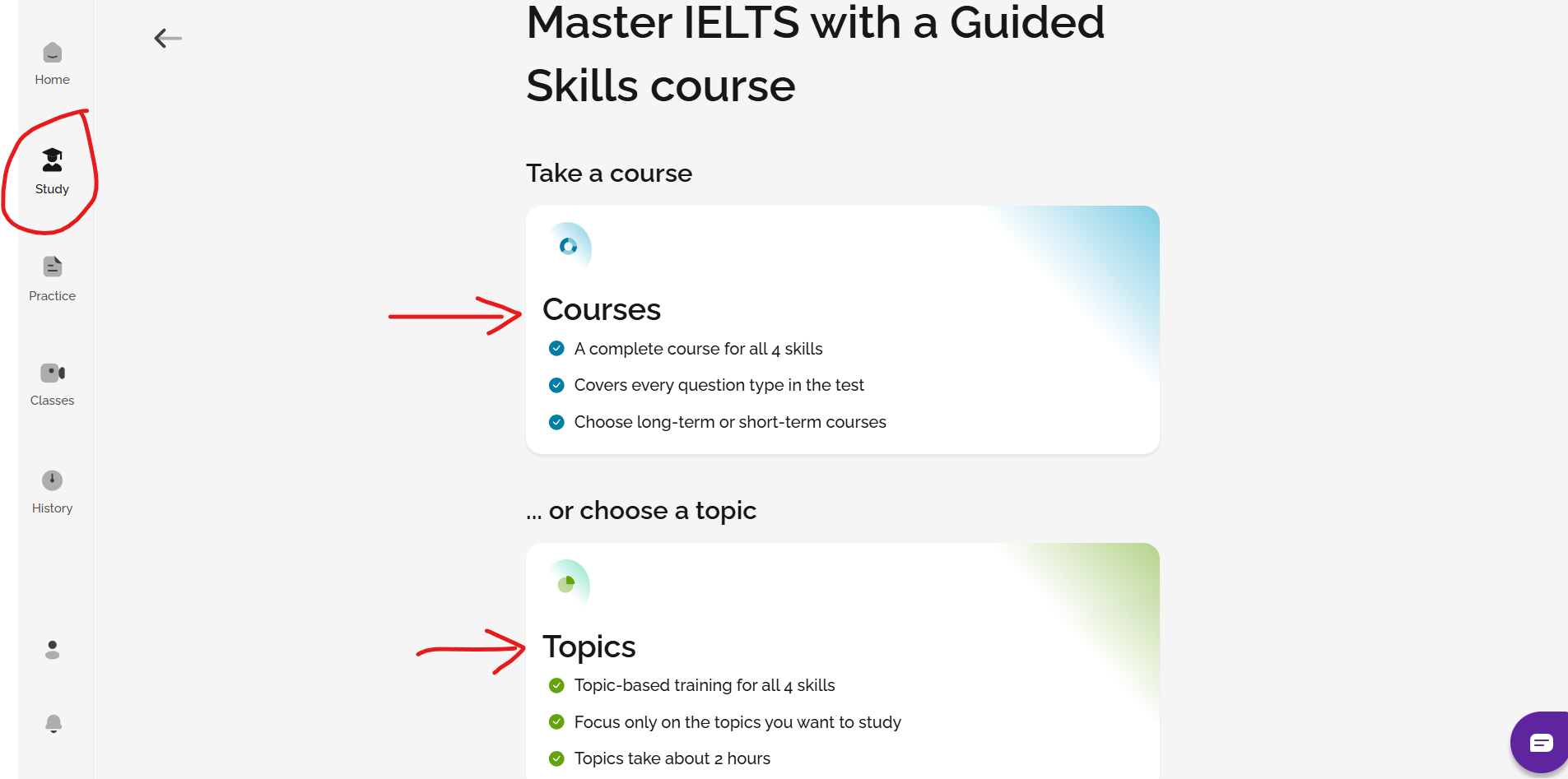
1. Take a Writing course or learn about a Writing topic in the Study section
You can select a Writing course or a topic to work on in the Study section of the site. The courses and topics will get you familiar with the format of the test and how to best prepare for it with classes, training and practice exercises.
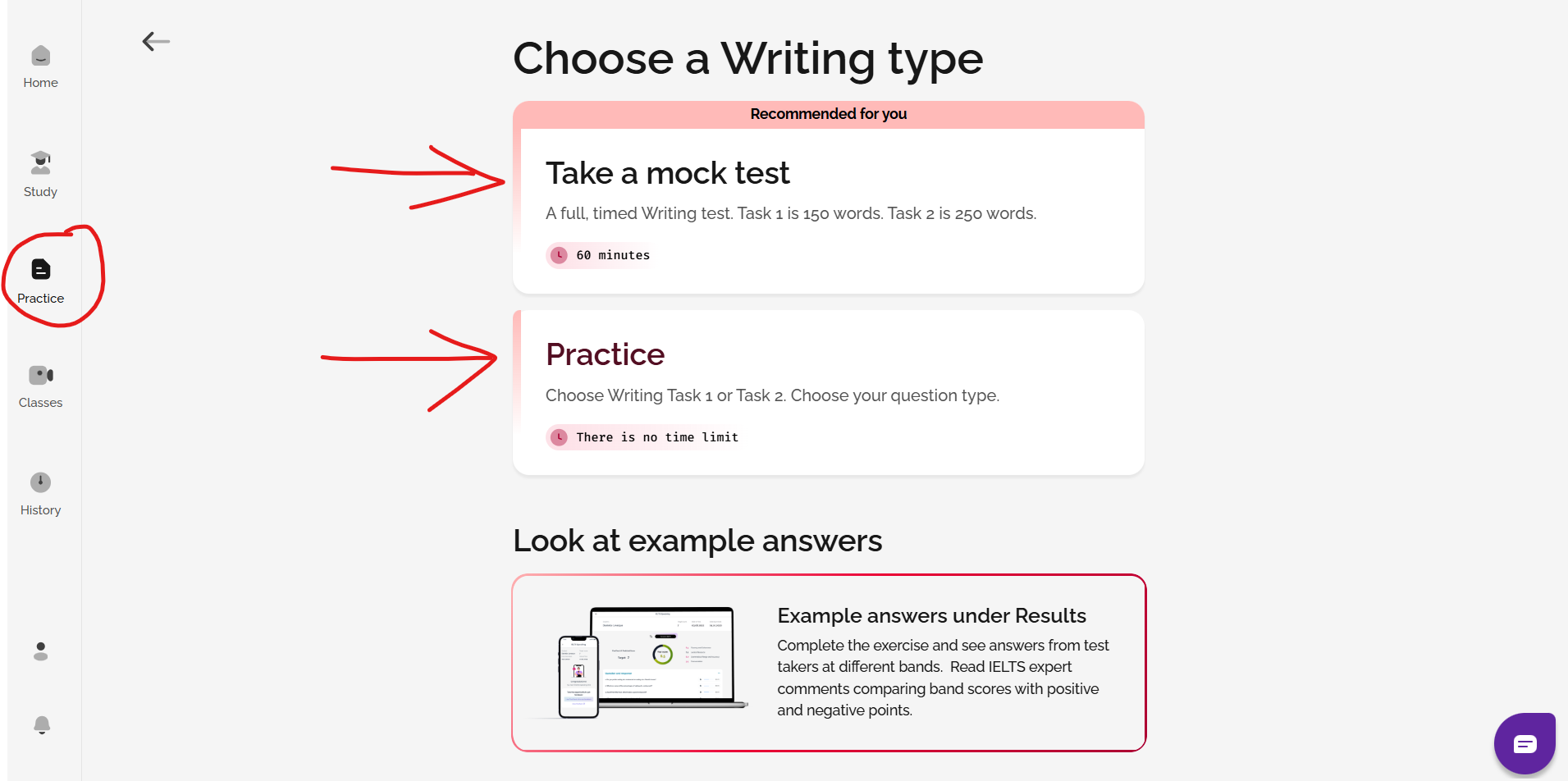
2. Complete a Full Writing mock test or practise Writing Task 1 or Task 2 individually
You can take full Writing mock tests or practice Writing Task 1 or Task 2 separately in the Practice section.
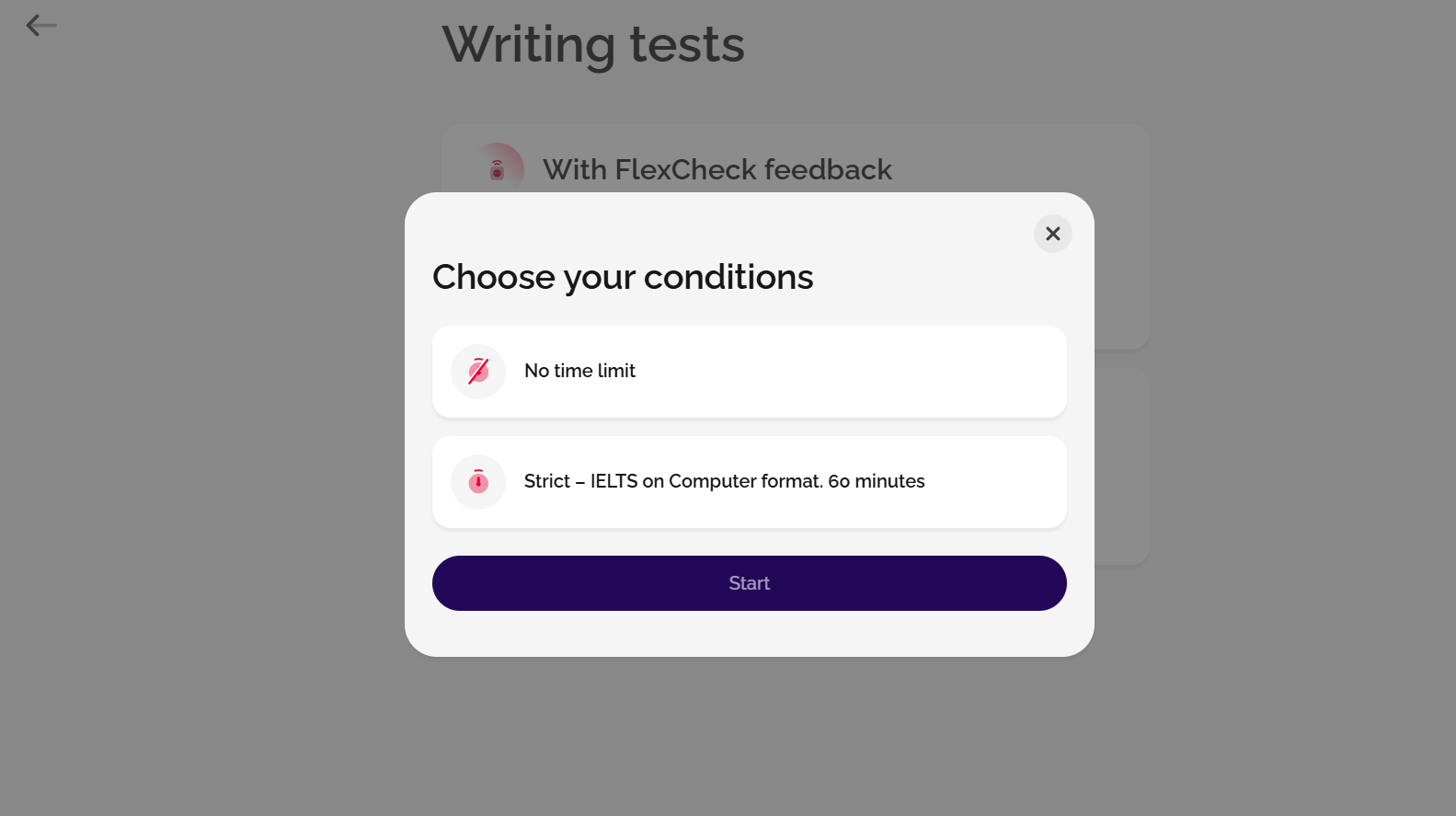
If you have a FlexCheck AI package, you can also choose whether you'd like to practise with no time limit, or whether you'd prefer to practise with a time limit (strict exam conditions).
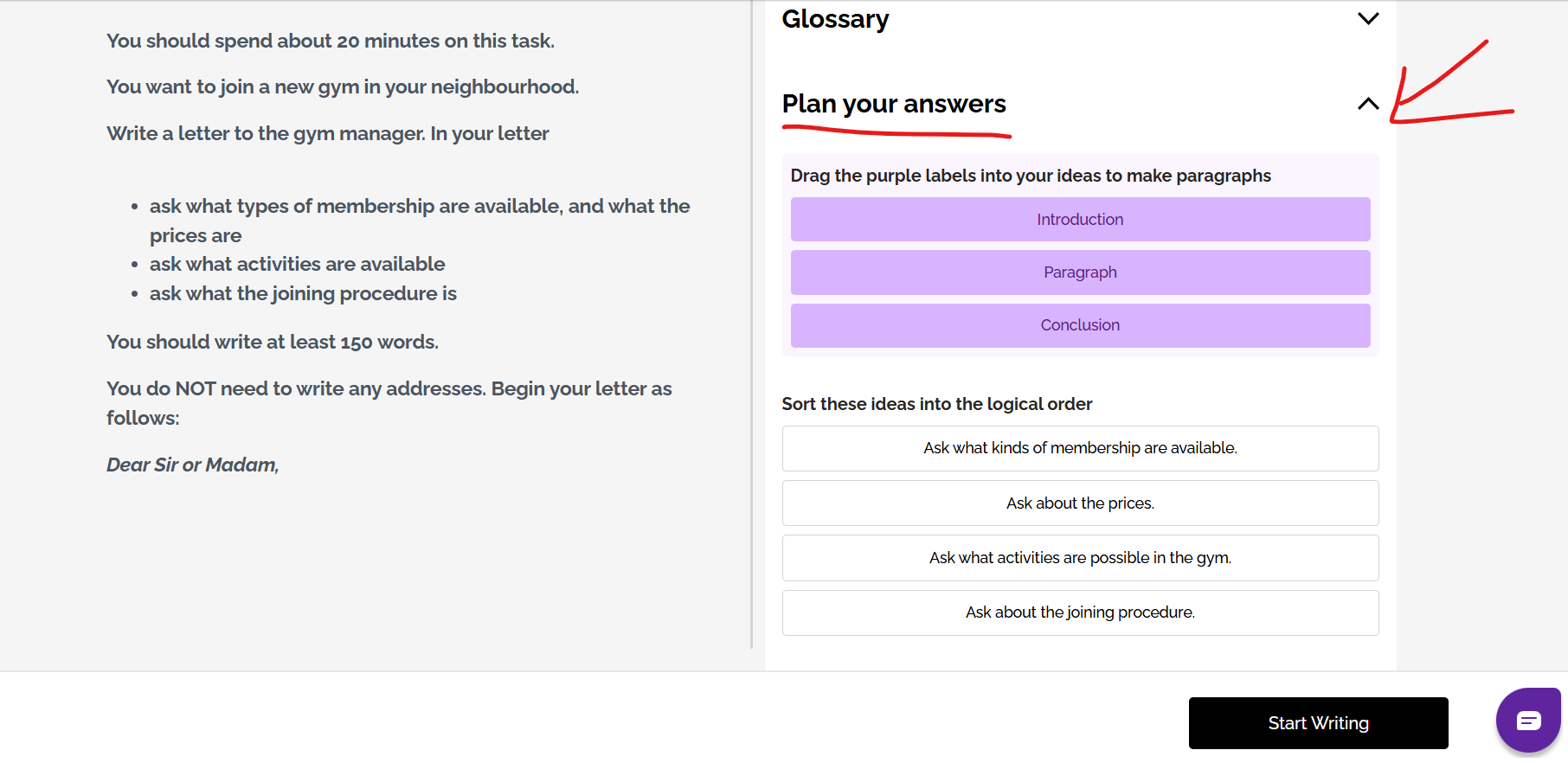
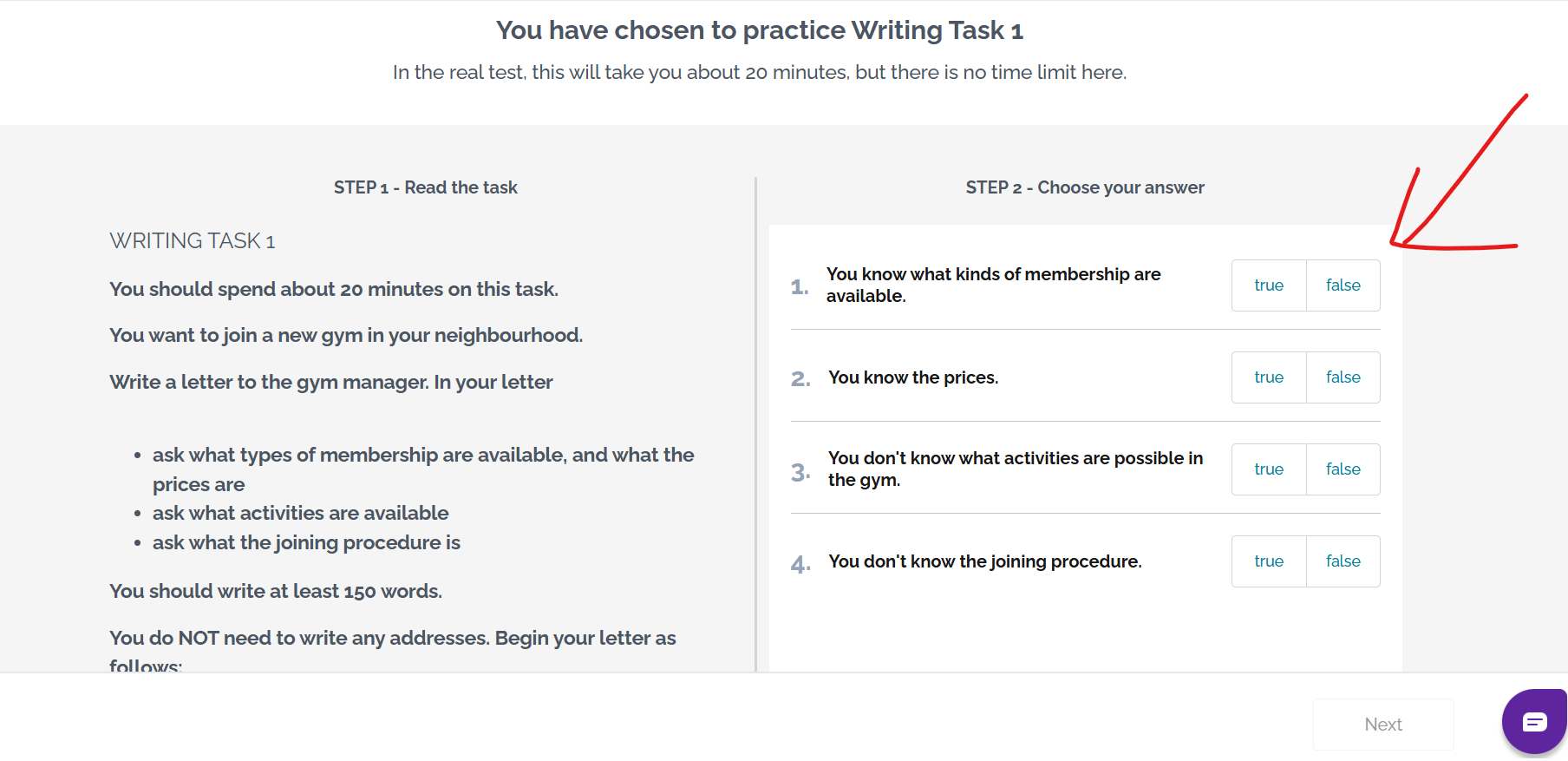
If you choose Practice mode, you will see some training questions to help you prepare for the questions, a glossary (containing useful vocabulary) and a planning tool which you can use to organise ideas. These are here to help you; you don't have to use them, and you will not see these in the real IELTS test.
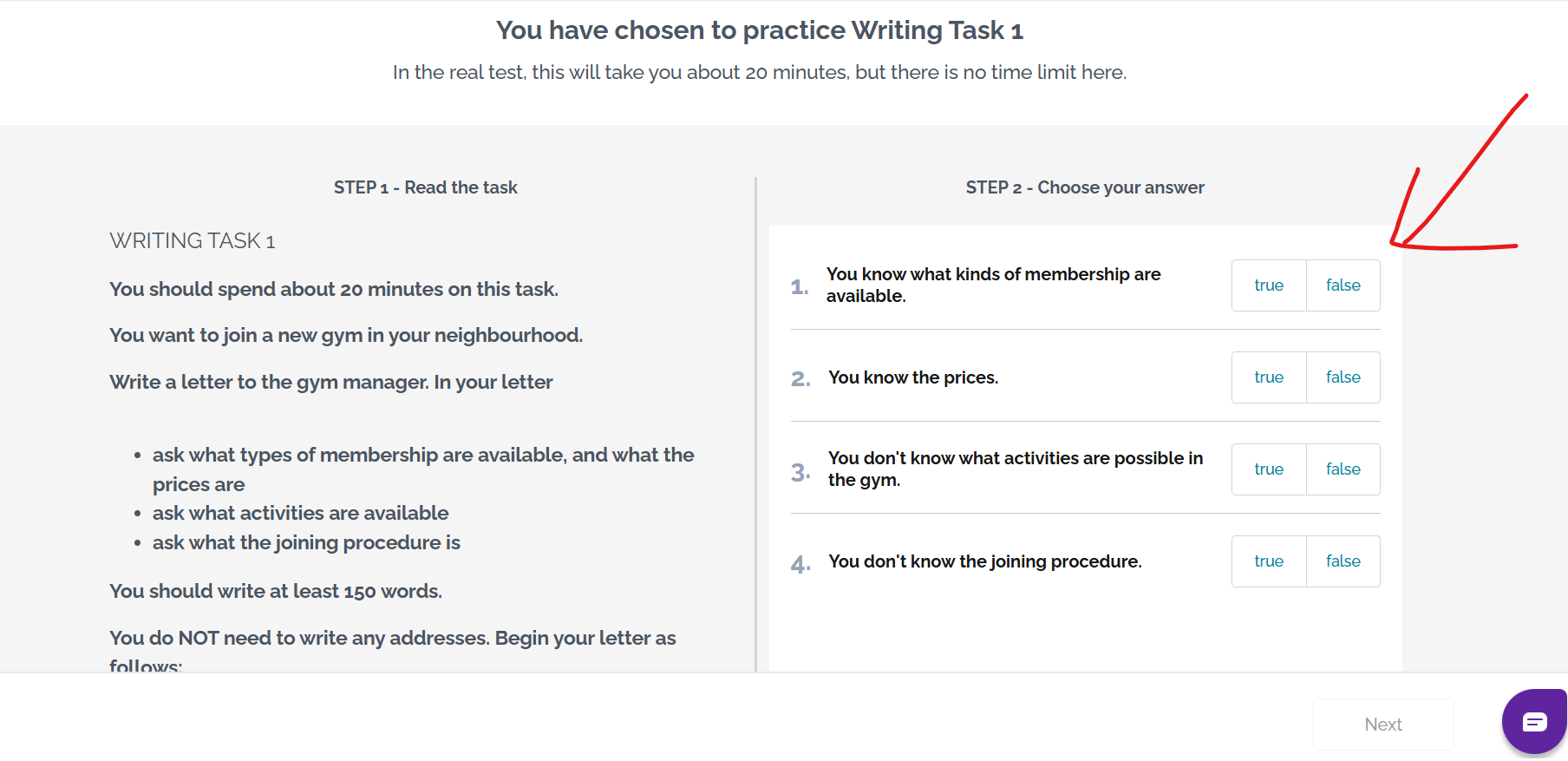
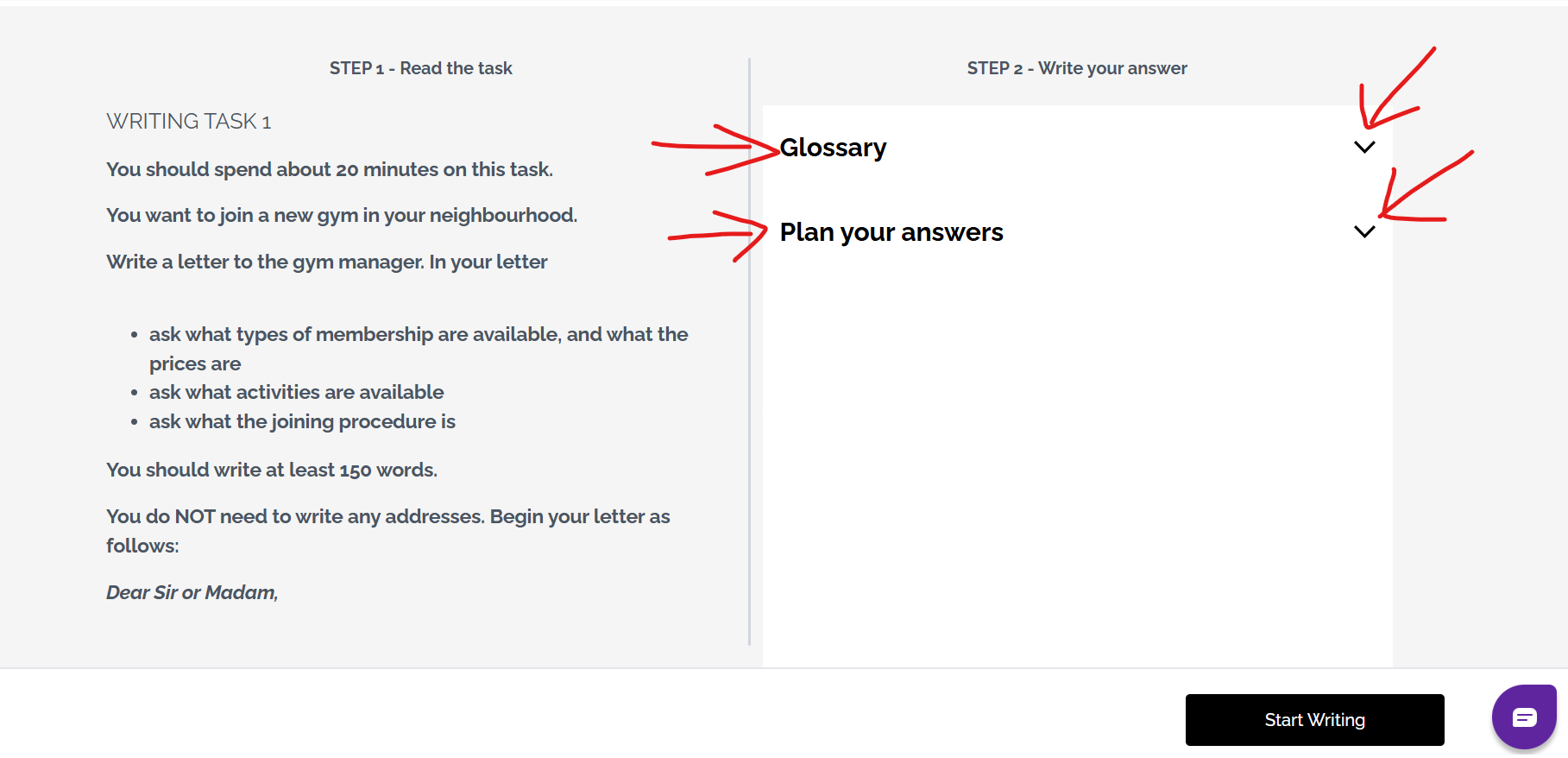
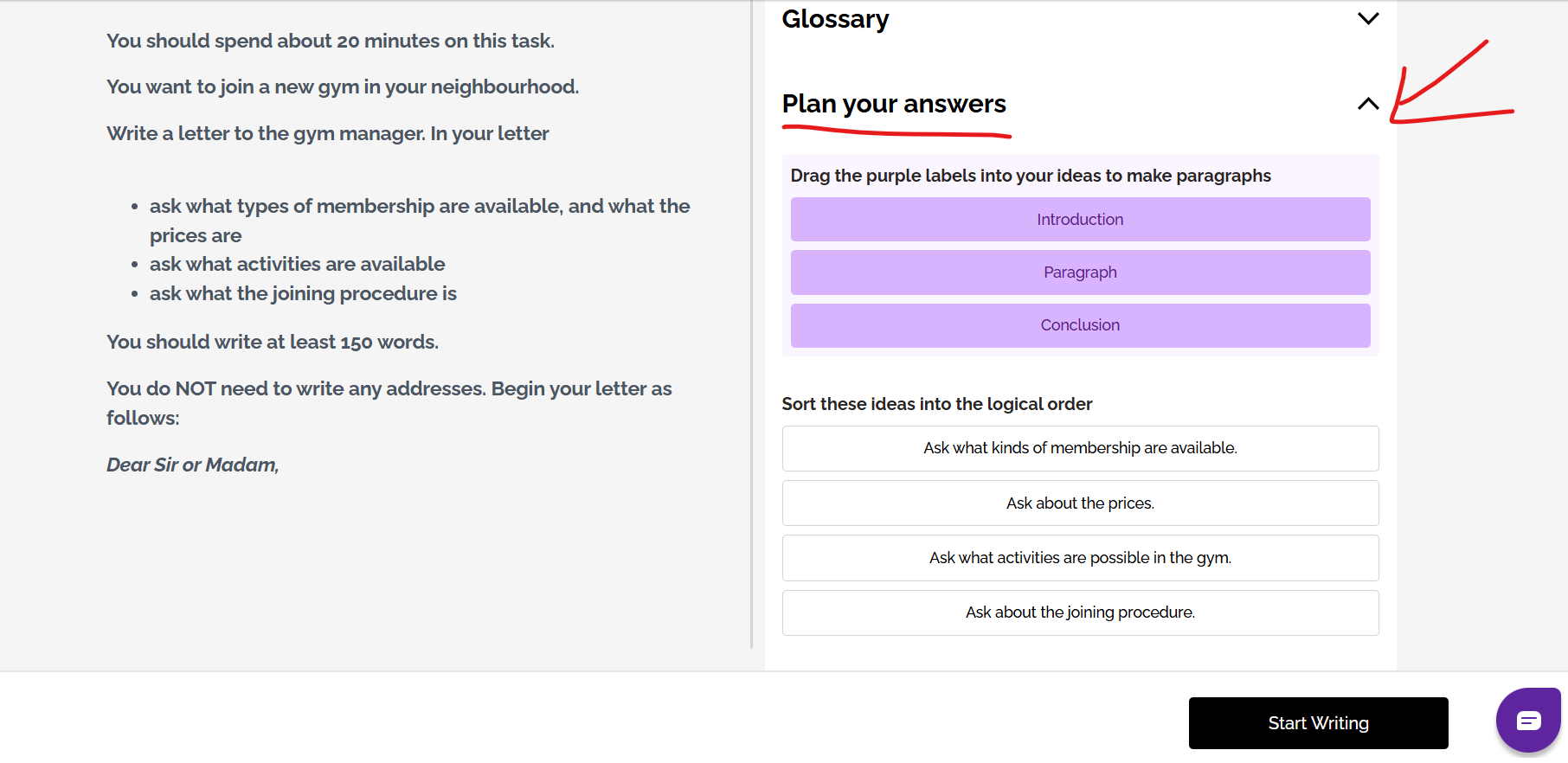
The planning tools can help you to organise your ideas into paragraphs:
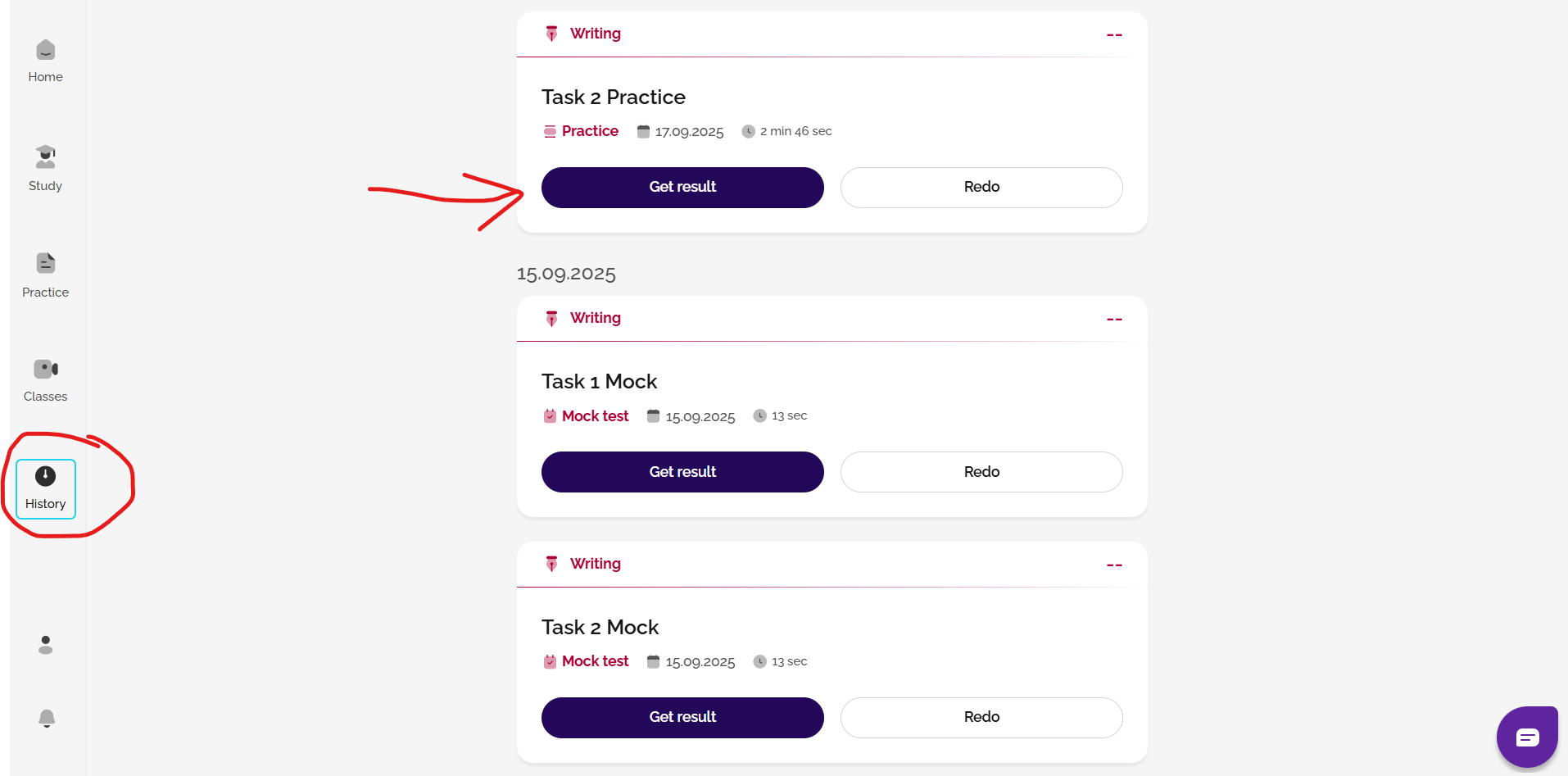
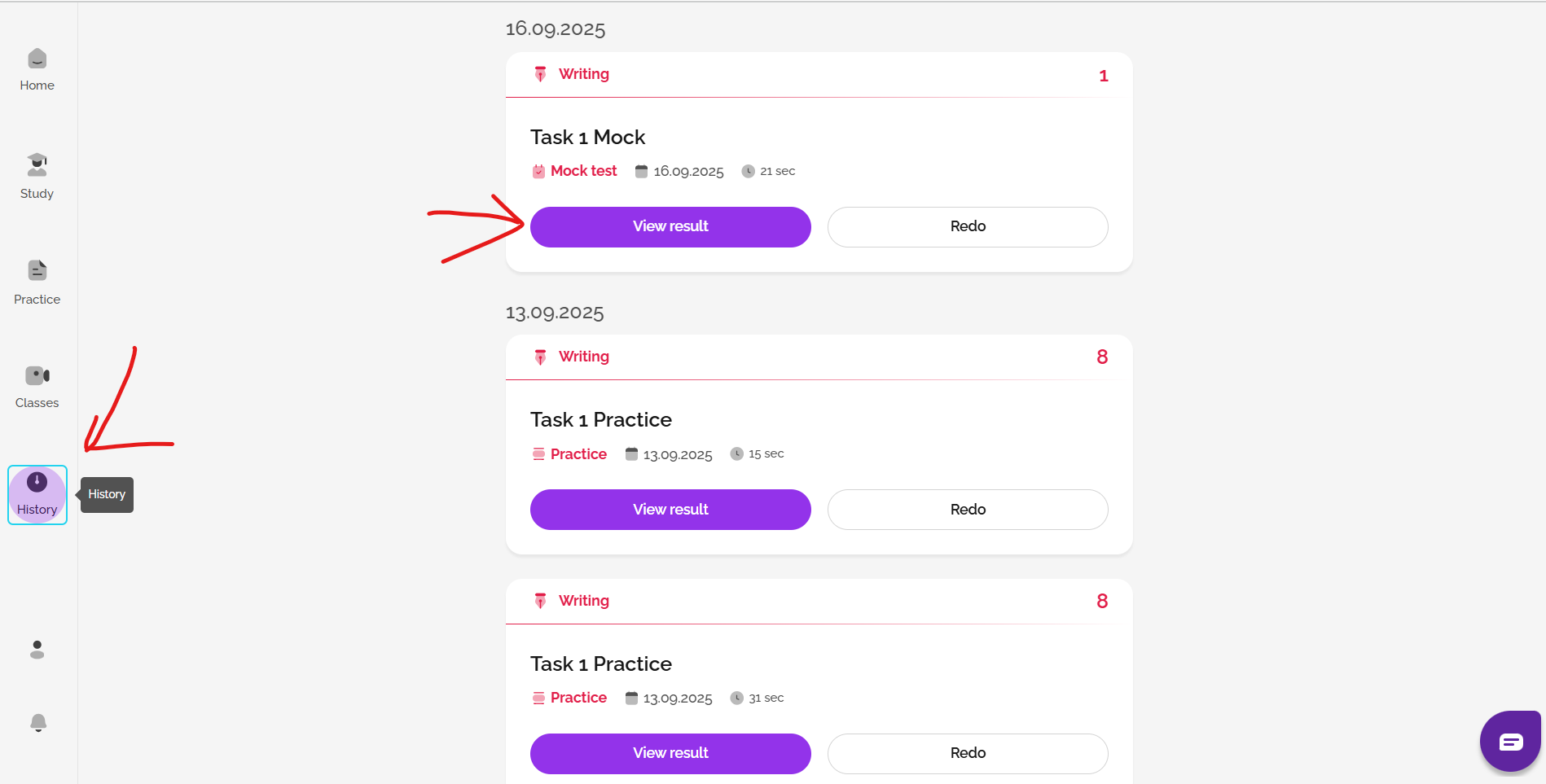
You can review your work afterwards and look at example answers in your History area.
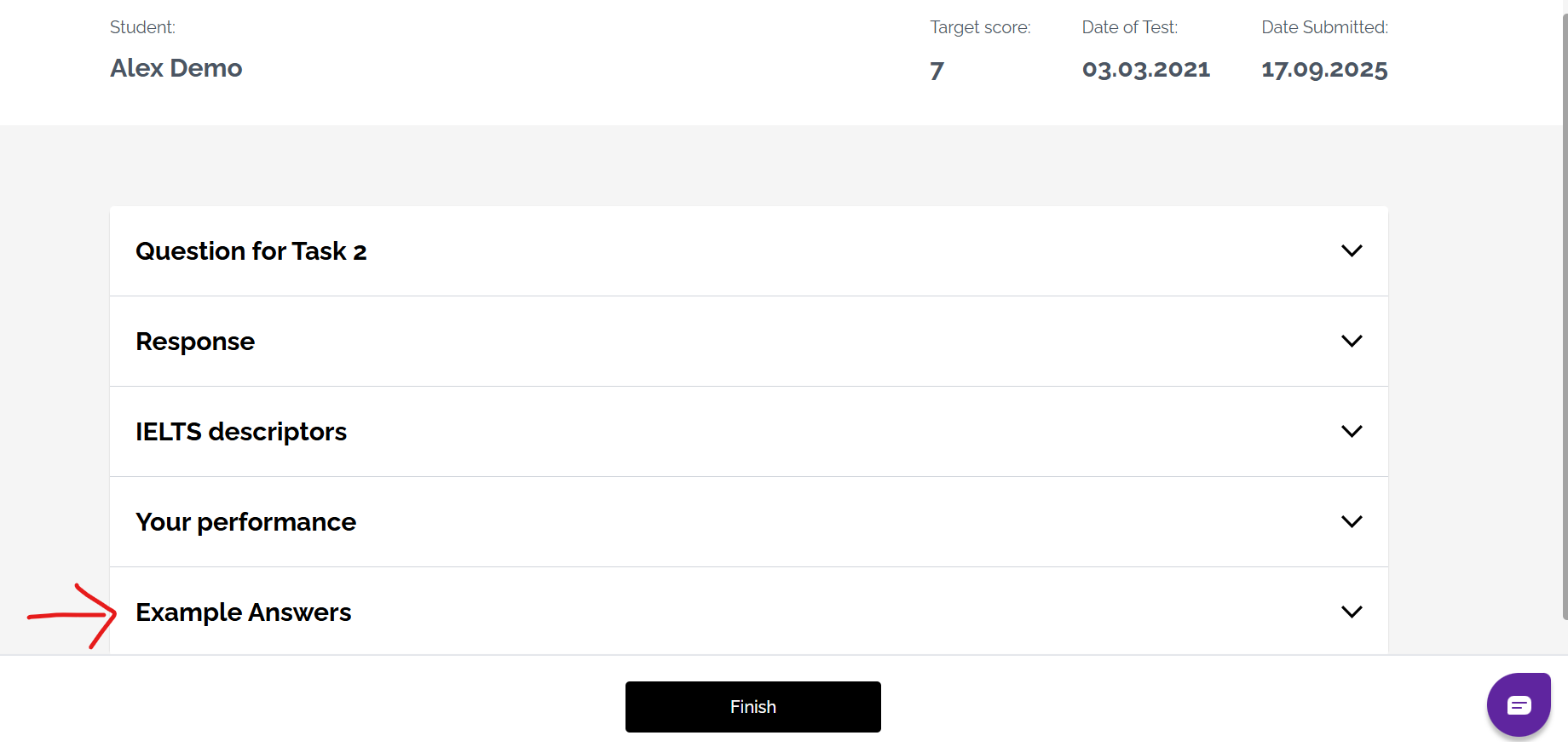
When taking a mock test, you can choose to get FlexCheck AI feedback. This gives you automatic feedback with a breakdown of your score in each marking criteria, vocabulary analysis and detailed written feedback. Click here to see examples of FlexCheck AI feedback.
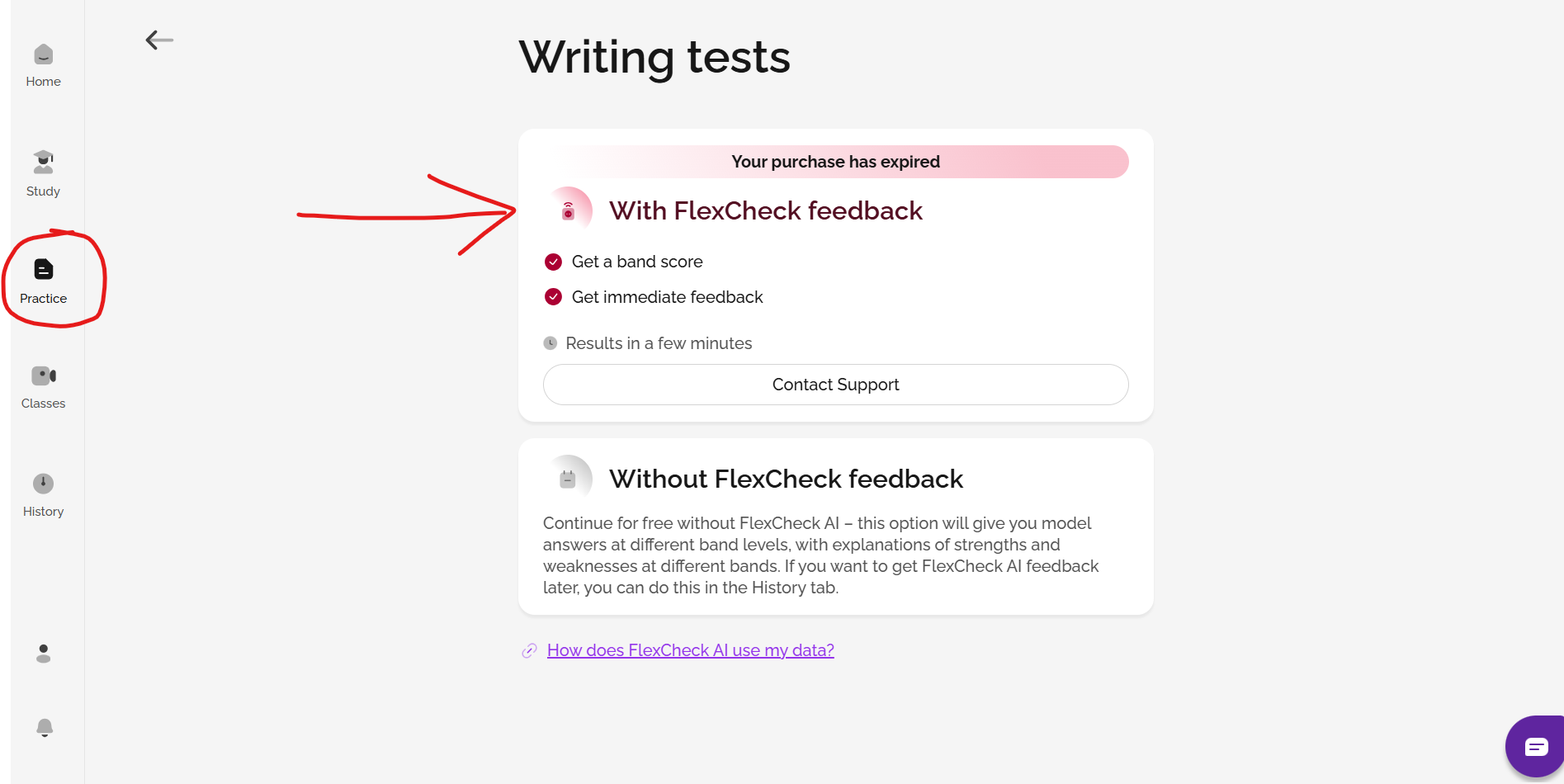
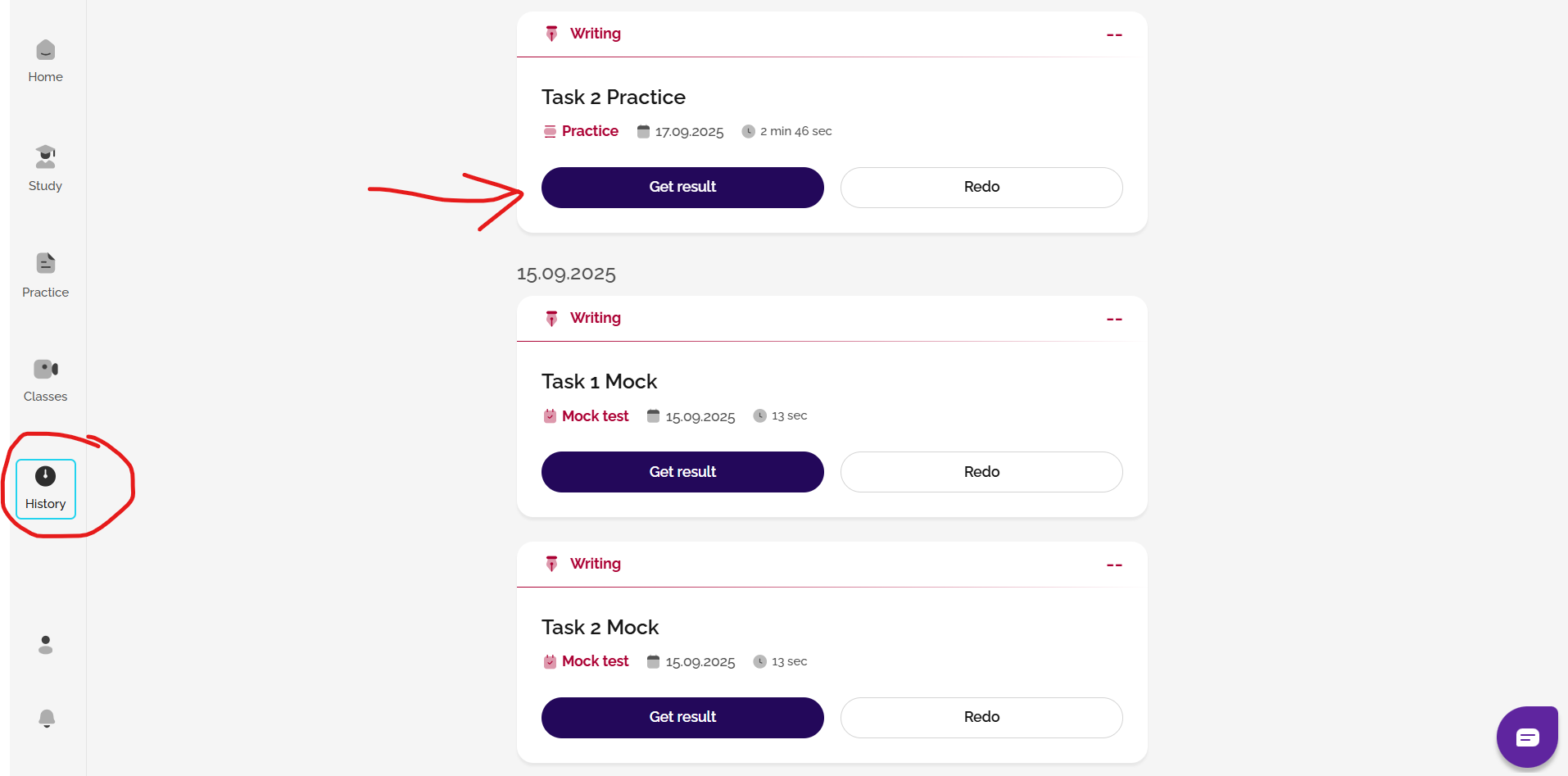
For FlexCheck AI feedback on practice tasks, you will need to go to your History area and click get result in order to get your feedback after completing the task.
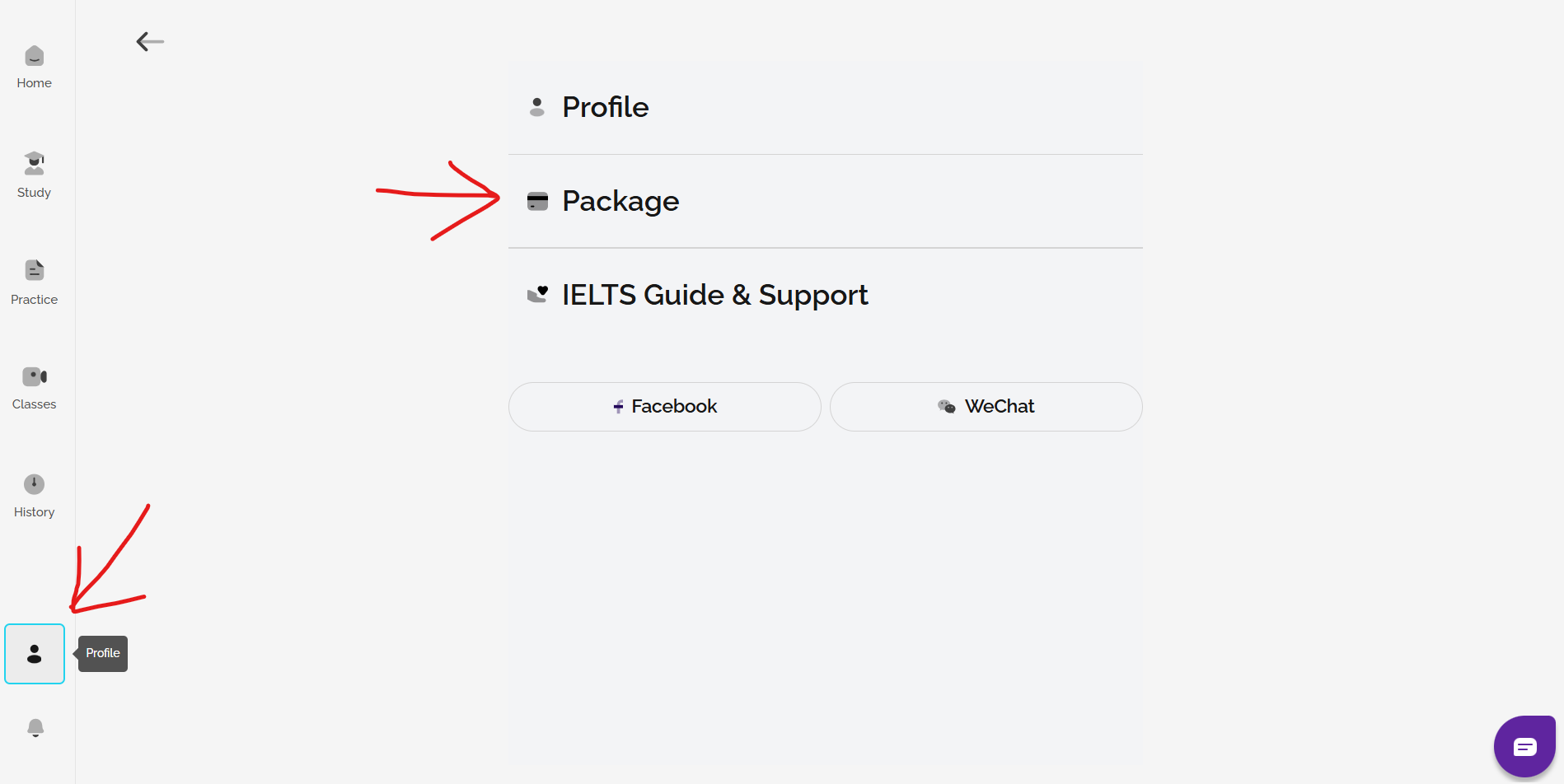
If you would like AI feedback and scoring on any Writing practice that you do/have done, you can purchase a Gateway or Advantage FlexCheck AI package. Go to Profile and Package to see your options.
See: Which type of FlexCheck AI package is best for me?
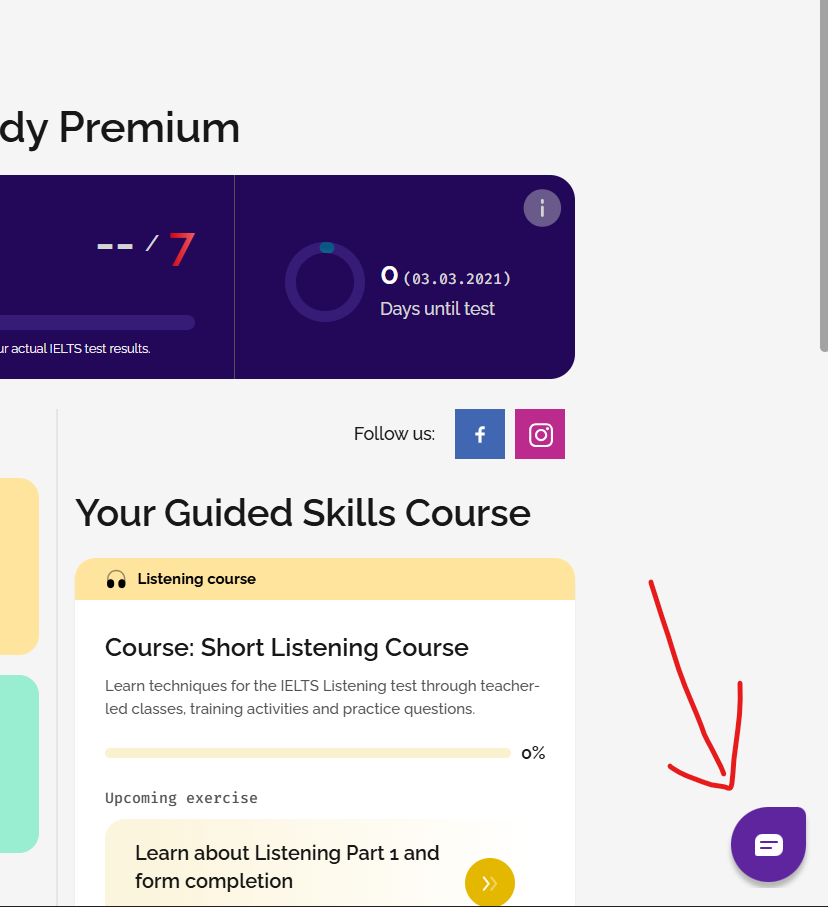
And remember, if you have any questions or need any assistance at any point, just click on the Chatbot button in the bottom-right corner of any web page. We're here to help you!
IELTS FLEX
There are several ways we can help you with IELTS Writing practice and feedback on your writing.
1. Take a Writing course or learn about a Writing topic in the Study section
You can select a Writing course or a topic to work on in the Study section of the site. The courses and topics will get you familiar with the format of the test and how to best prepare for it with classes, training and practice exercises.
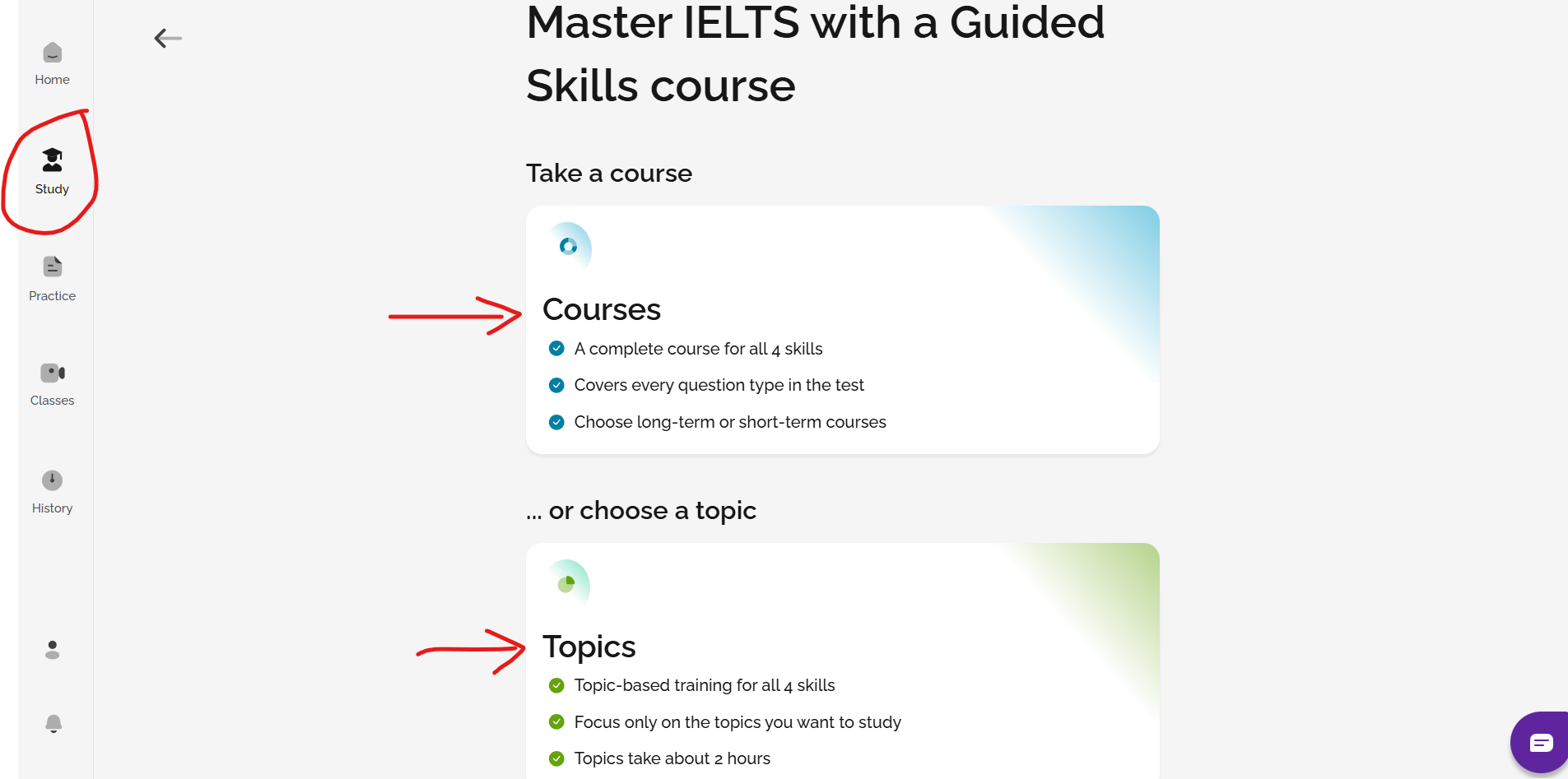
2. Complete a Full Writing mock test or practice Writing task 1 or 2 individually
You can take full Writing mock tests or practice Writing Task 1 or Task 2 separately in the Practice section.
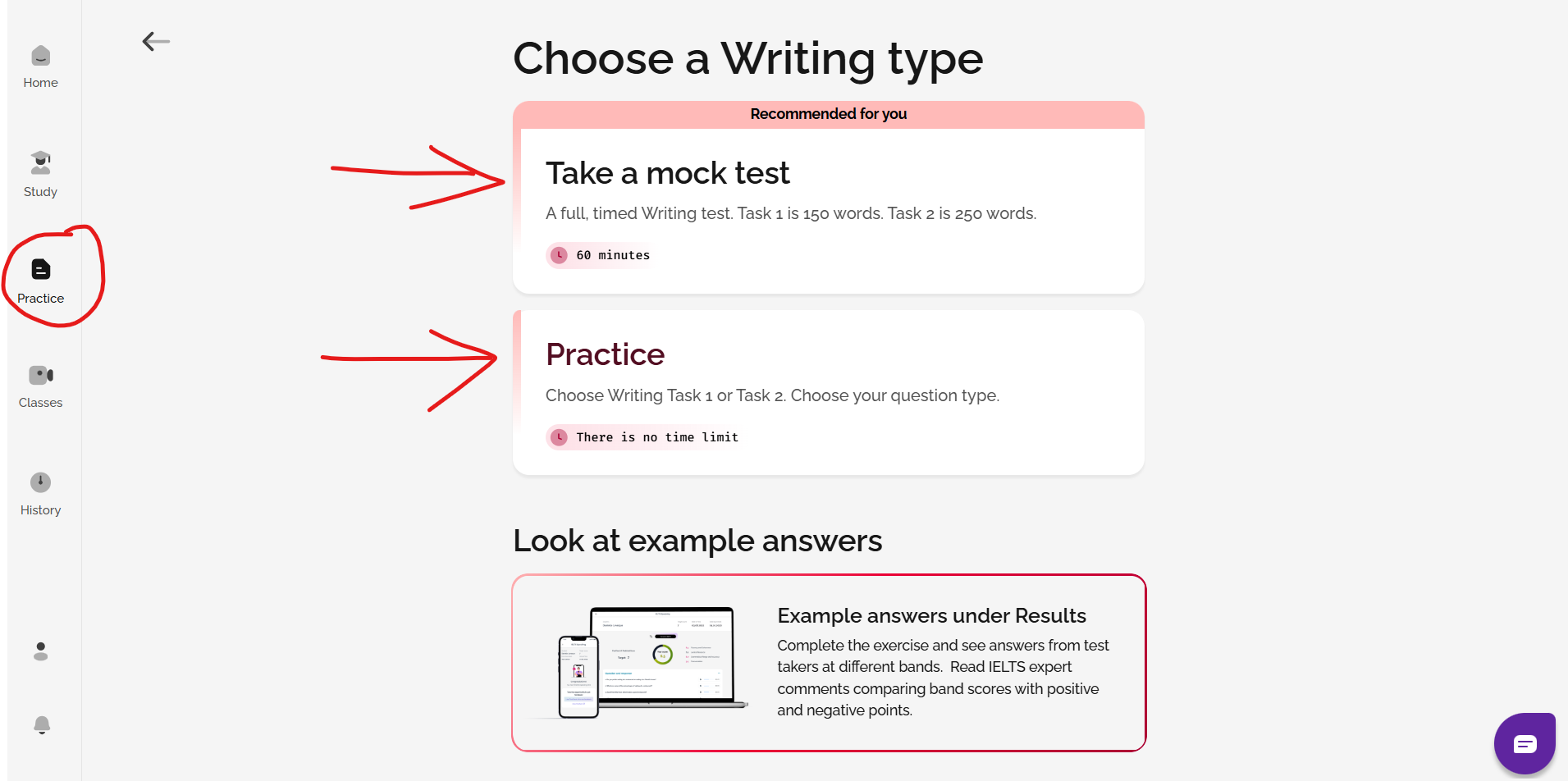
When doing a mock test, you can choose feedback from with tutor feedback (from one of our IELTS experts) or FlexCheck AI feedback.
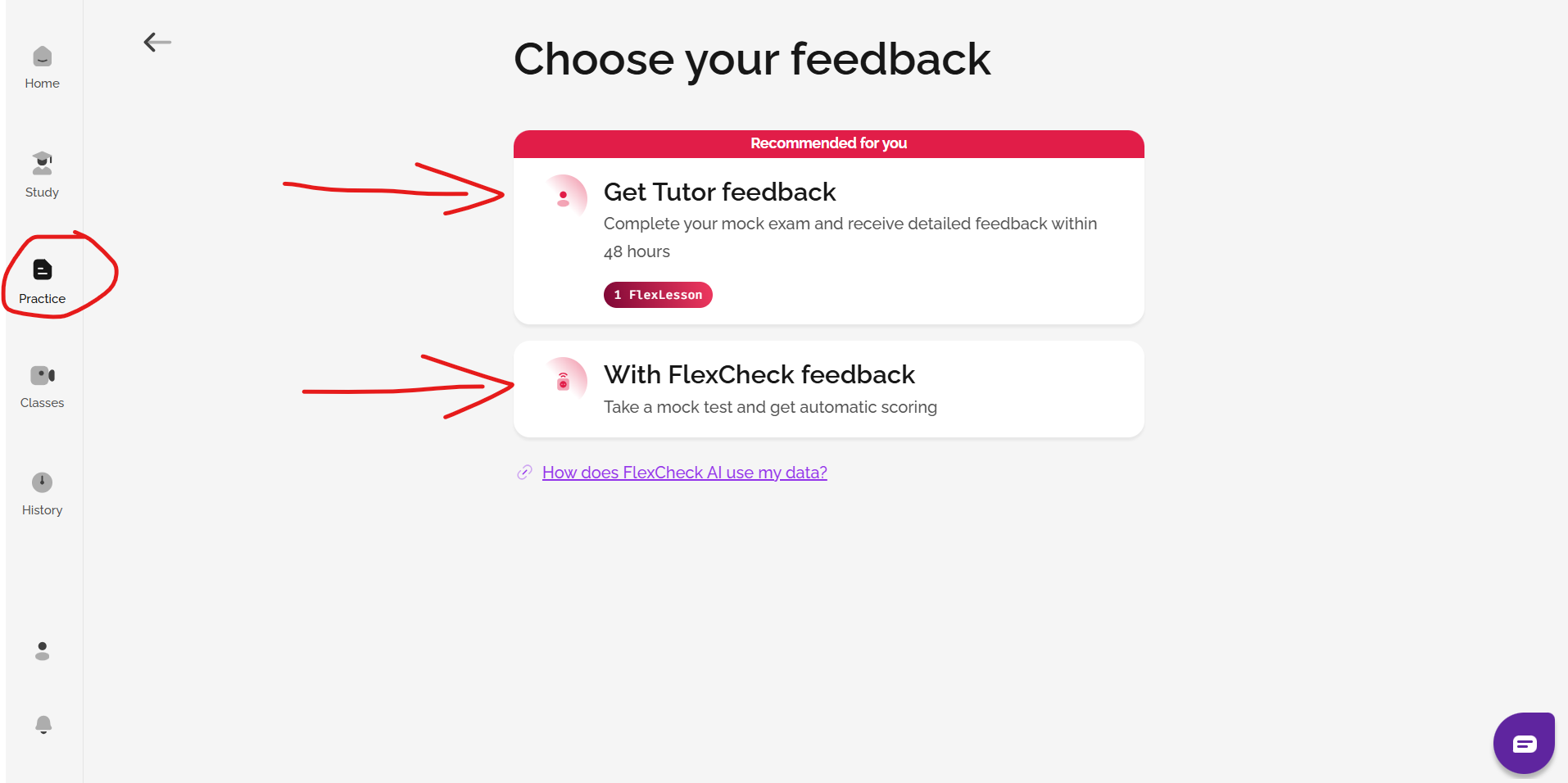
Feedback from a tutor requires one FlexLesson for a full mock test (Task 1 + Task 2). For practice tasks, you can select the type of feedback you want by clicking get result in the History area of the site.
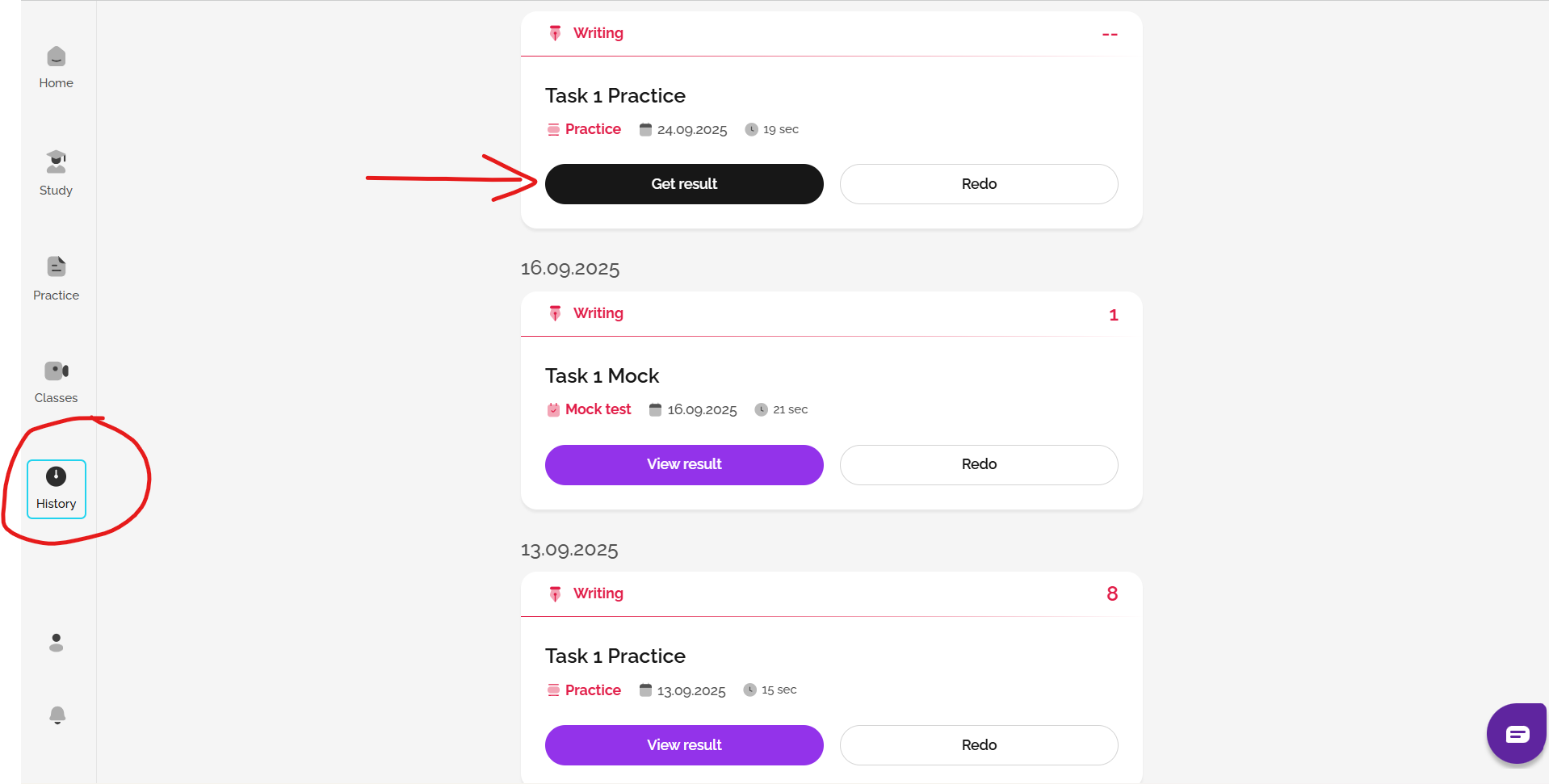
To learn more about Writing feedback, click here: How do I get feedback on my Writing?
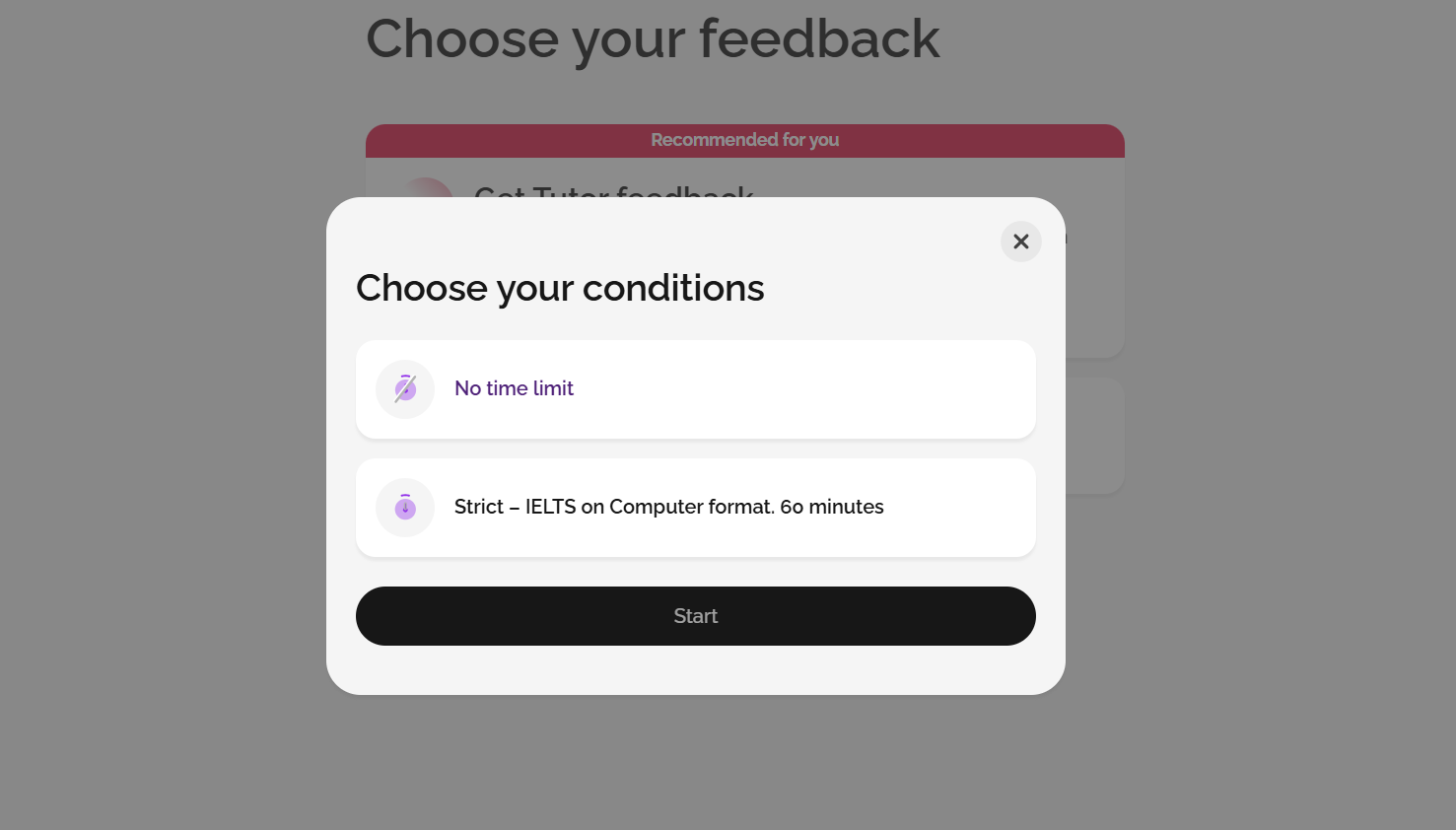
You can also choose whether you'd like to practise with no time limit, or whether you'd prefer to practise using the IELTS On Computer format with a time limit (strict exam conditions). For IELTS On Paper test takers, both formats are useful.
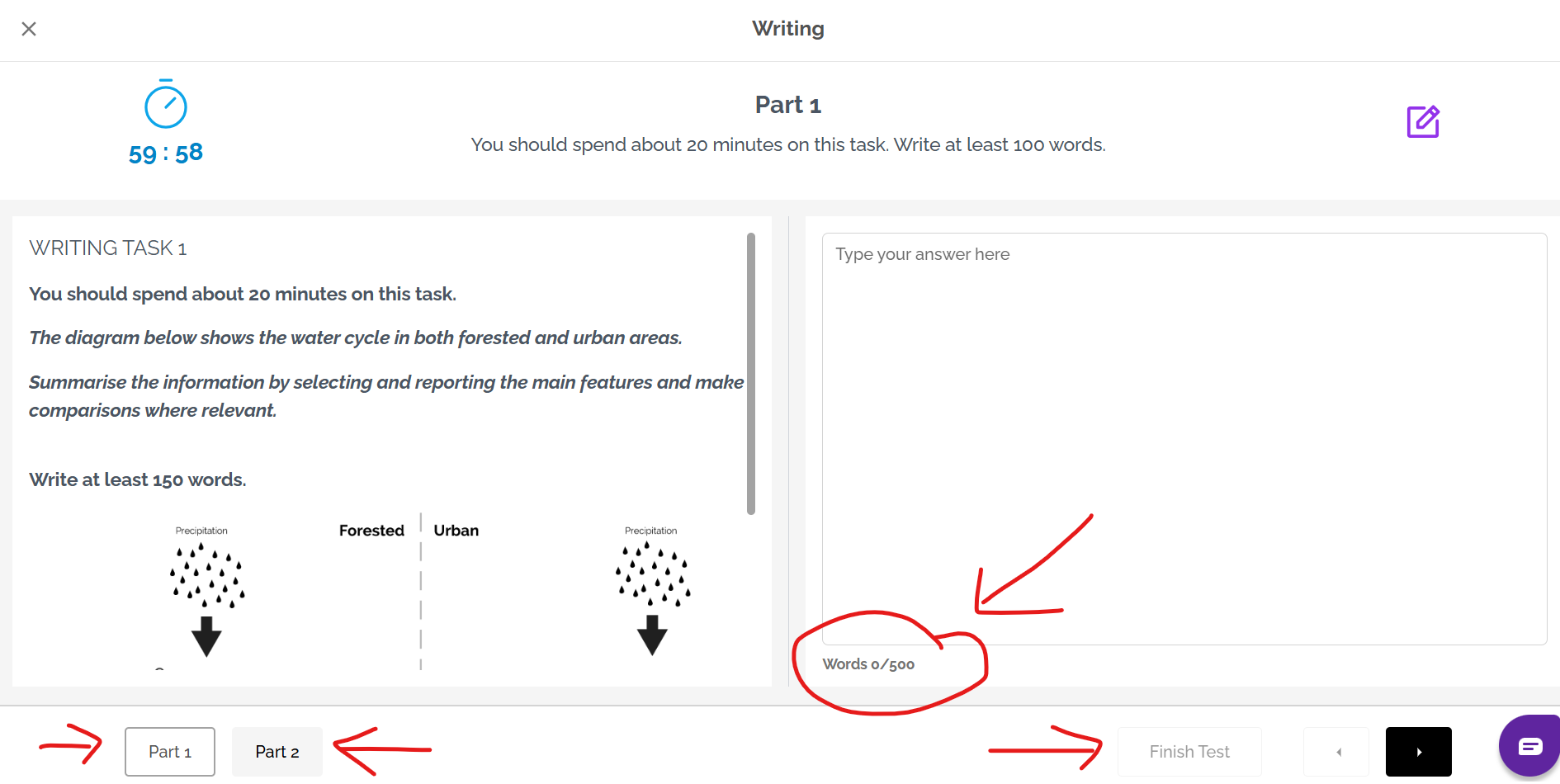
On Computer format shows both Task 1 and Task 2, and you can navigate between both. If you finish early, click Finish Test at the bottom of the page. You will not be able to finish until you have written at least 100 words for Task 1, and 200 words for Task 2. Remember, in the IELTS test the minimum is 150 words for Task 1 and 250 words for Task 2.
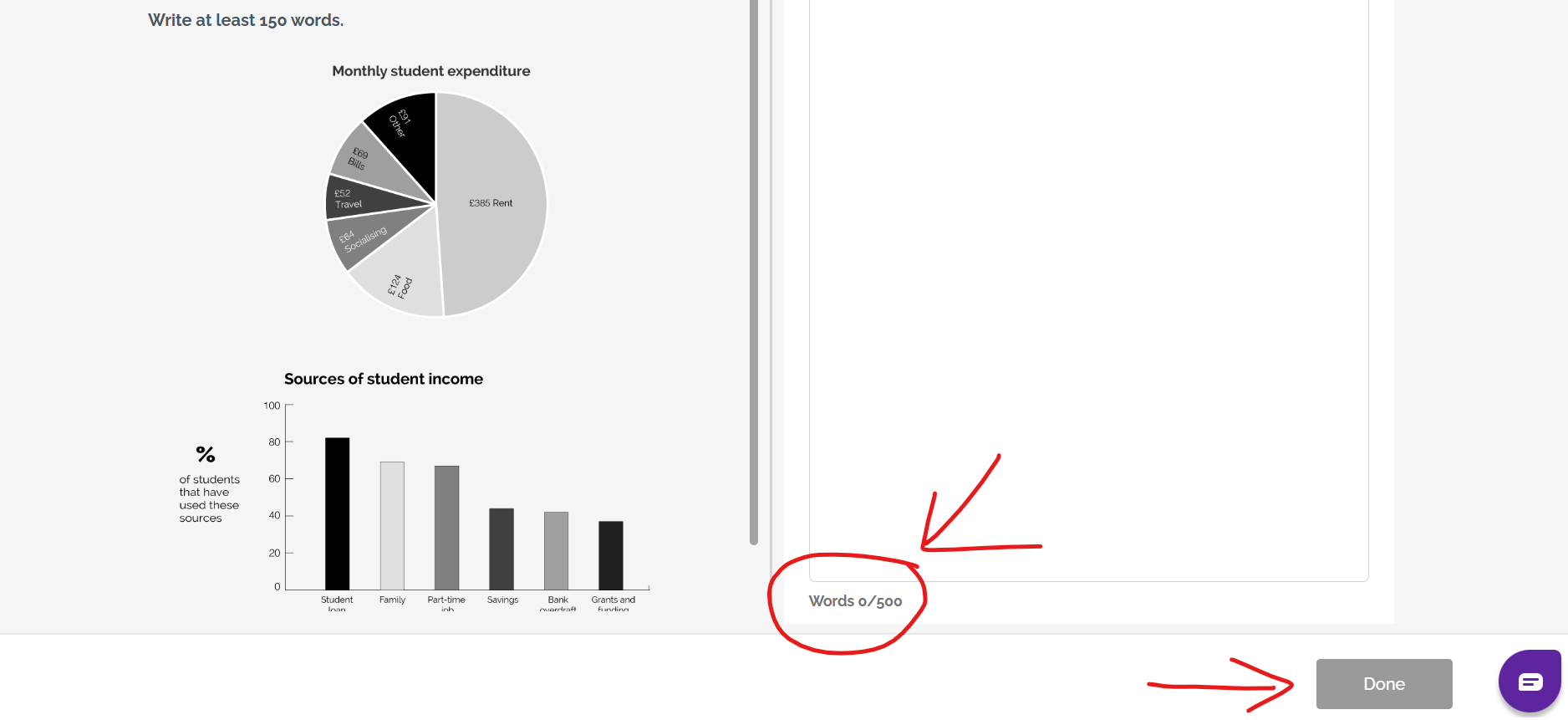
Normal Practice mock tests show each task separately. You can choose which to start with, but cannot switch between them once you have started one. If you have finished, click Done. You will not be able to click done until you have written at least 100 words for Task 1, or at least 200 words for Task 2.
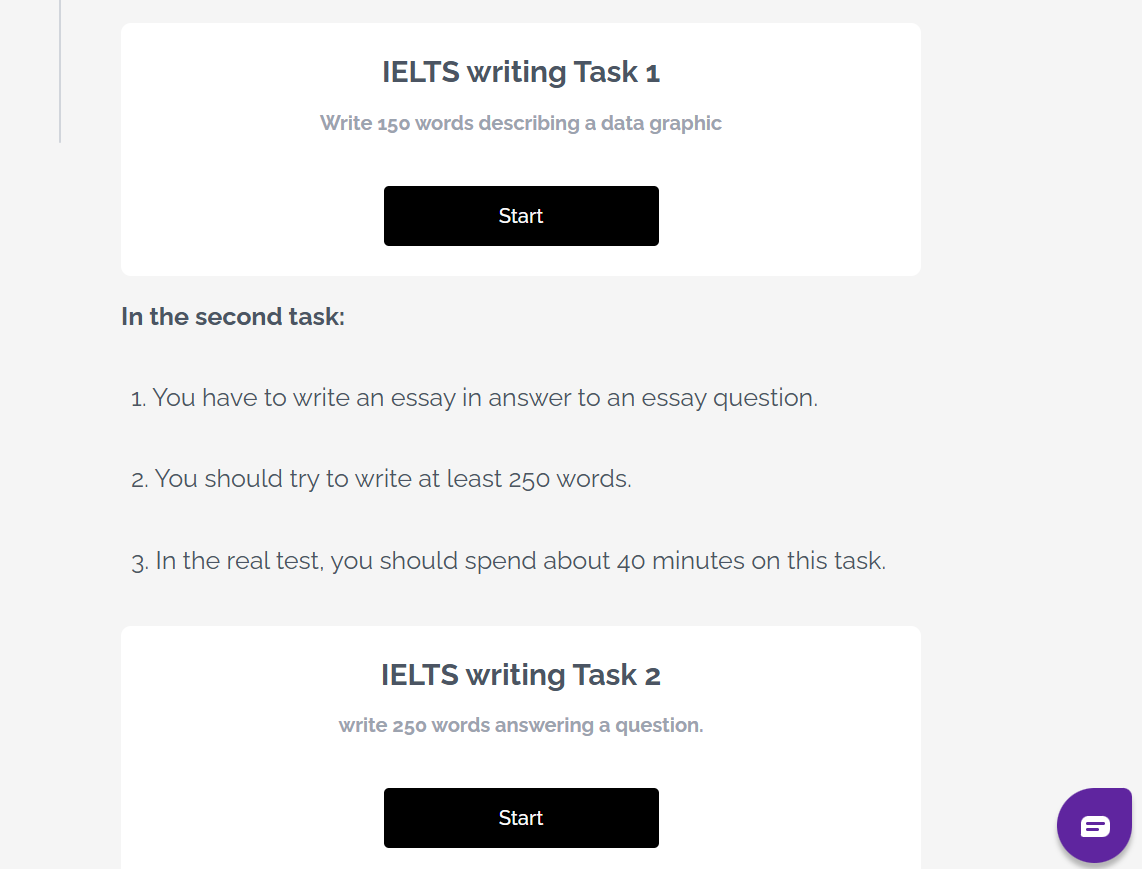
If you choose Practice mode, you will see some training questions to help you prepare for the questions, a glossary (containing useful vocabulary) and a planning tool which you can use to organise ideas. These are here to help you; you don't have to use them, and you will not see these in the real IELTS test.
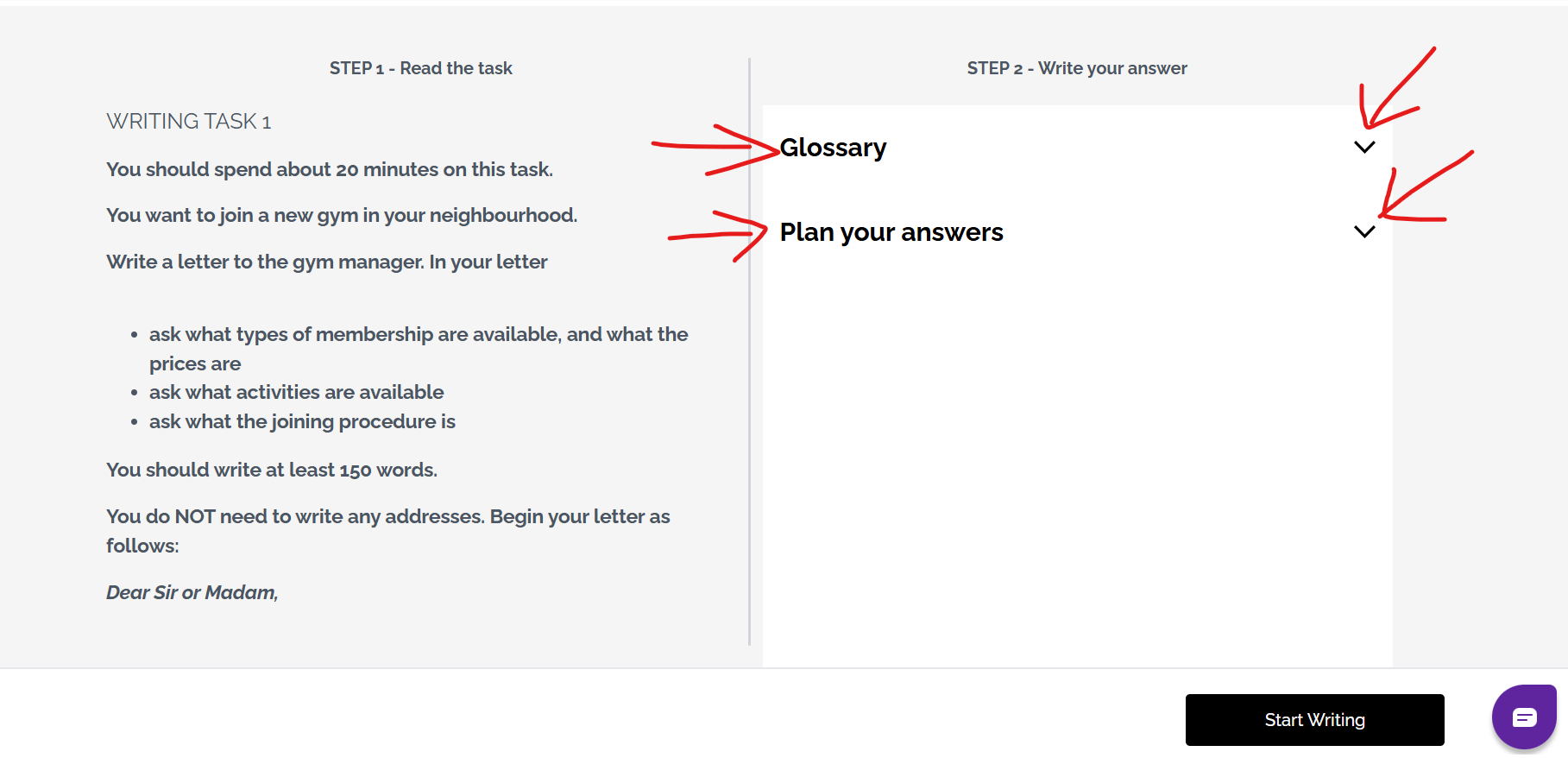
The planning tools can help you to organise your ideas into paragraphs:
When you have finished your answer, you can find it in the History area of the site.
Would you like feedback and results for your Writing? See: How to get feedback on Writing
Was this article helpful?
That’s Great!
Thank you for your feedback
Sorry! We couldn't be helpful
Thank you for your feedback
Feedback sent
We appreciate your effort and will try to fix the article