All the work you do on our site is saved to your profile, including practice questions, mock tests, and Guided Skills / Study training activities.
Go to the History area of the menu to see all your completed work.
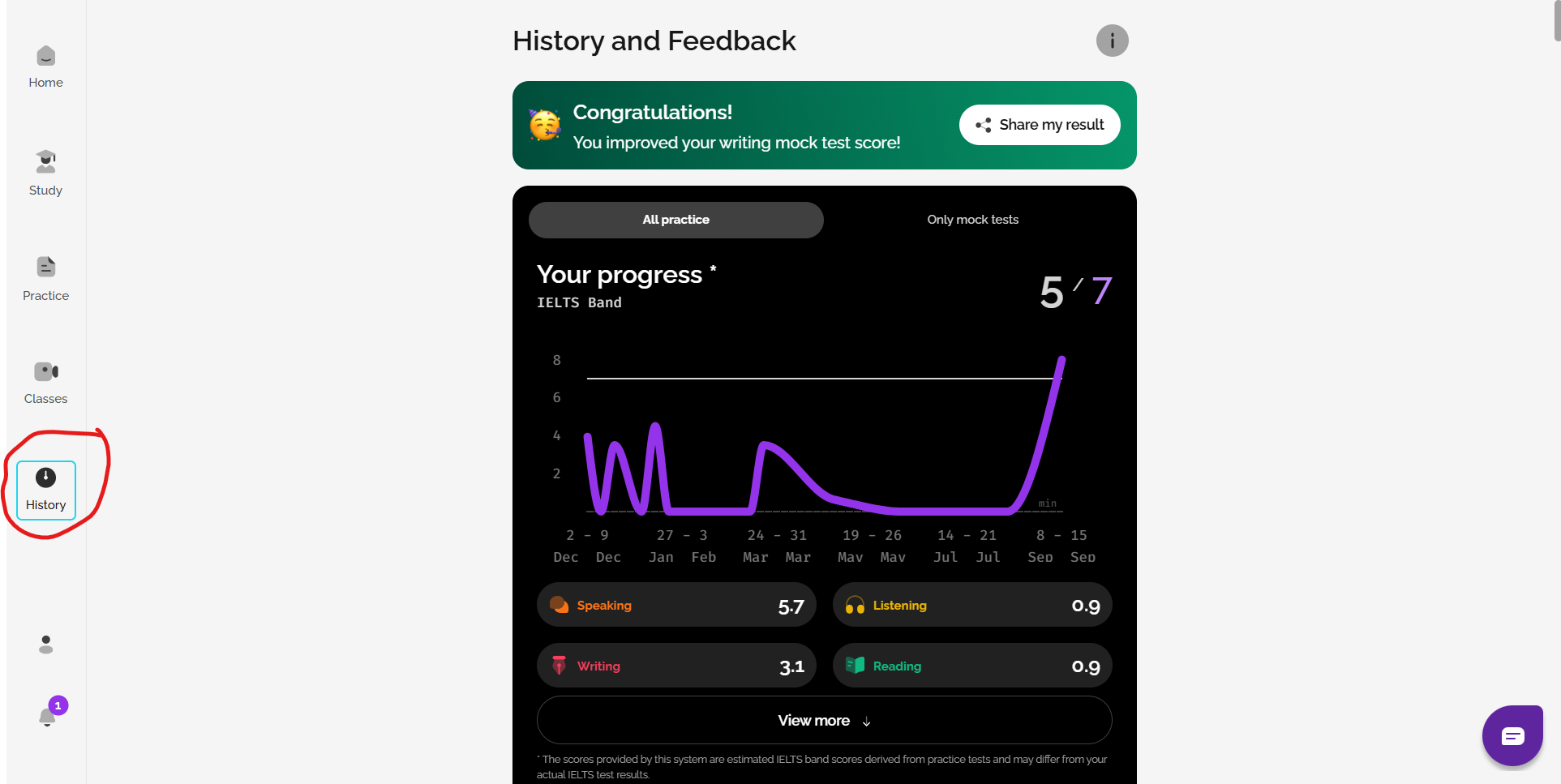
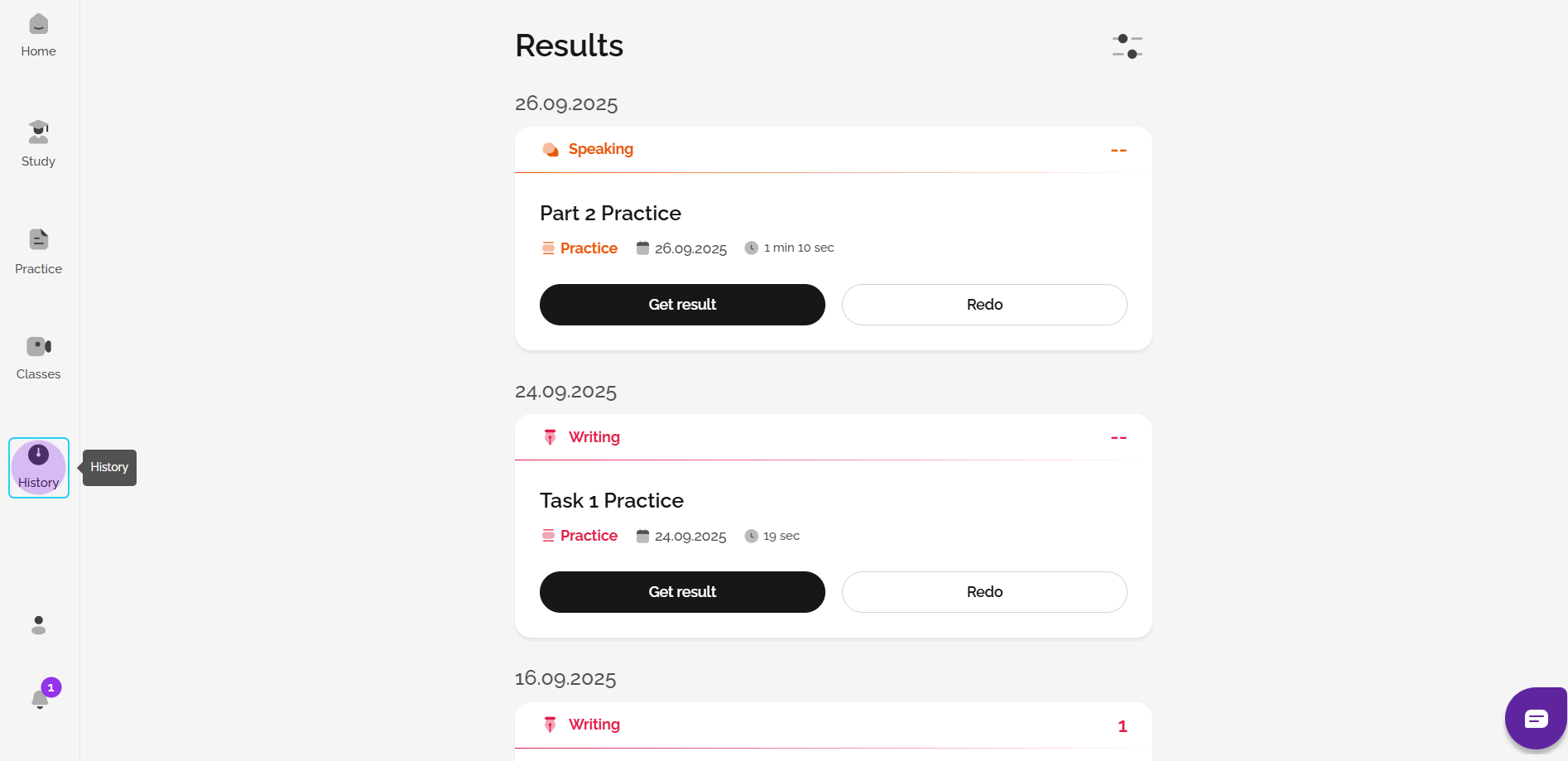
Work is listed in order of when it was completed. You can see how you're performing in relation to your needed score and your current predicted score. Click View result to see the questions and answers again or click Redo to take it again.
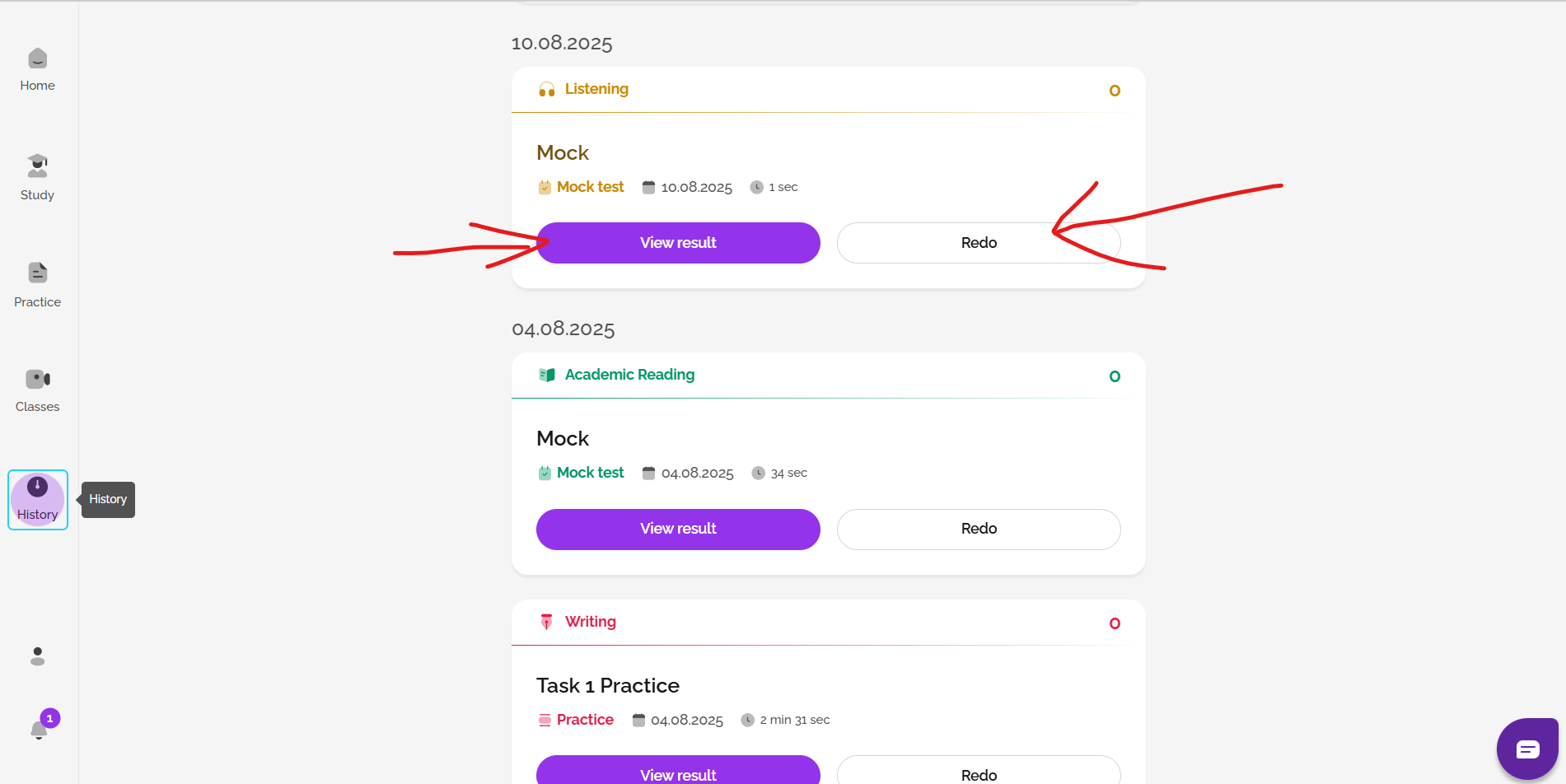
When viewing Reading and Listening work, you can see feedback on correct and incorrect answers.
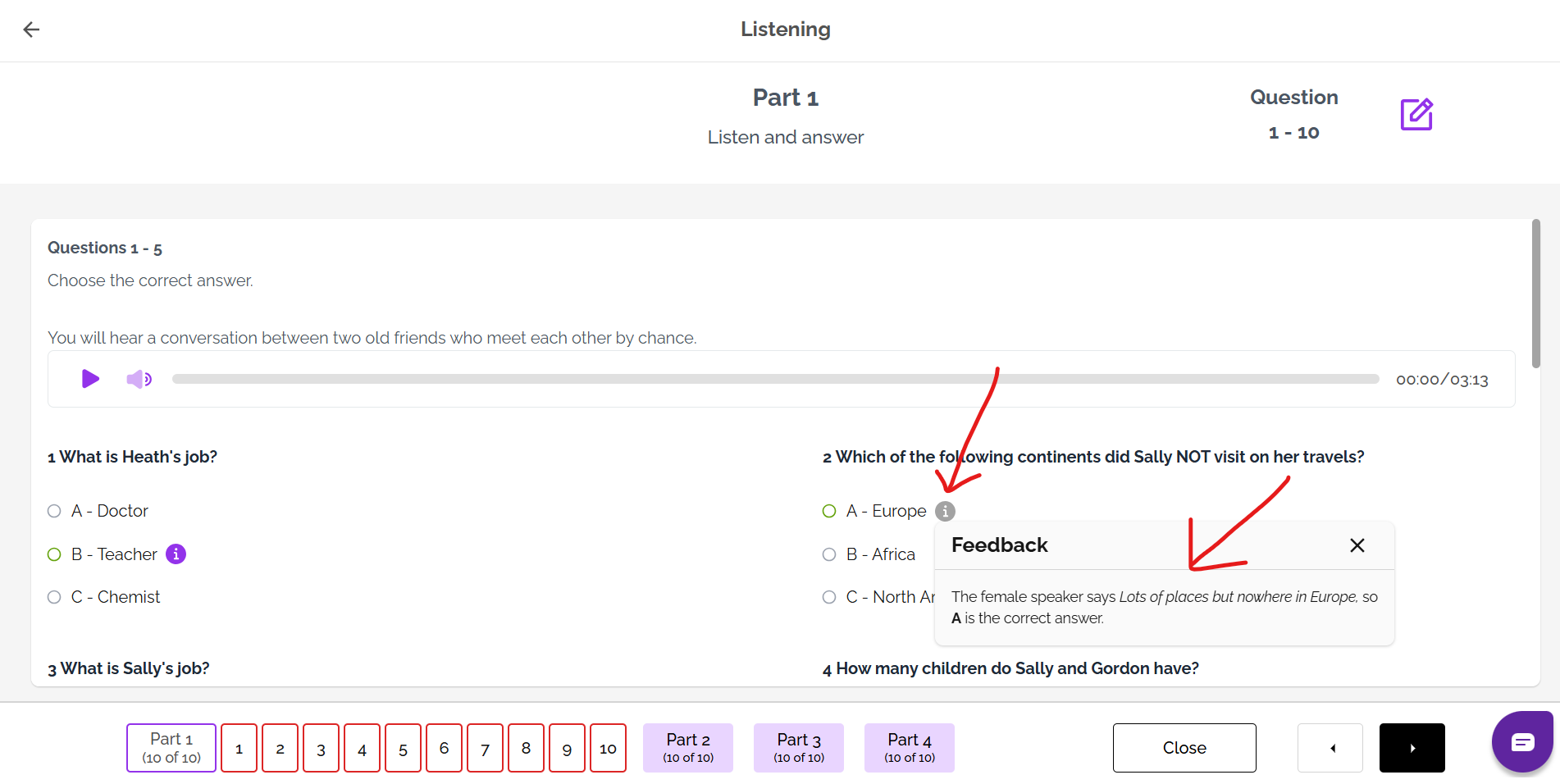
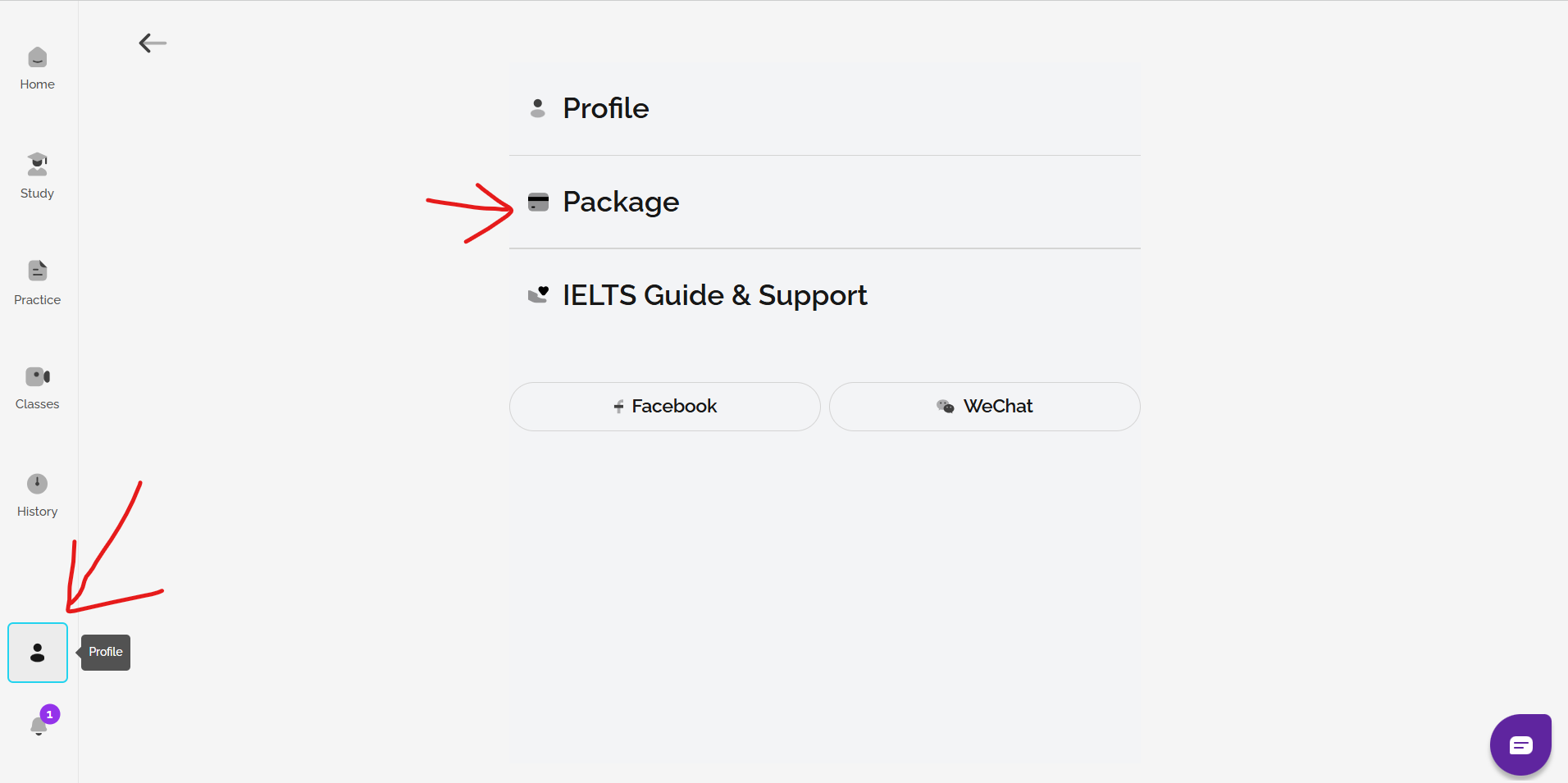
If you want AI feedback for any Speaking, Writing, Listening, or Reading practice you have done, you can buy a Gateway or Advantage FlexCheck AI package. You can then receive AI scoring and/or feedback on your work, including anything saved on your History page, until your test date. Go to profile and then package to see your options.
See: Which type of FlexCheck AI package is best for me?
On IELTS FLEX, you can also get scoring and feedback on Writing and Speaking from an expert tutor.
Learn more here: What is IELTS FLEX?
See also: How can I change my target score?
Was this article helpful?
That’s Great!
Thank you for your feedback
Sorry! We couldn't be helpful
Thank you for your feedback
Feedback sent
We appreciate your effort and will try to fix the article