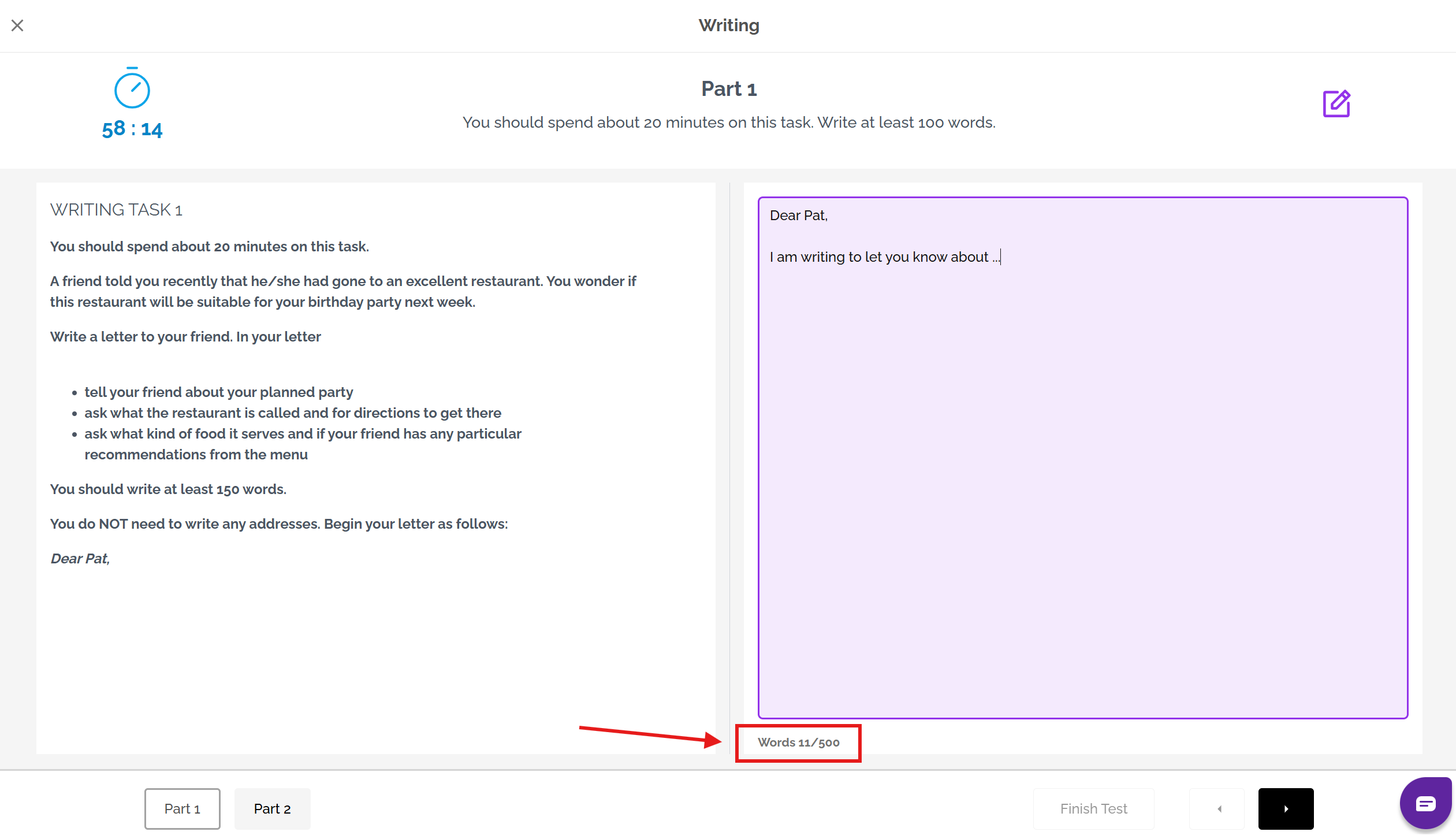
If you are taking the IELTS on-computer Writing test, you can see the number of words that you have written at the bottom of the answer box. This automatically updates itself as you write more words:
If you are taking the IELTS on-paper Writing test, you will have to estimate how many words you have written.
You can do this by counting the number of words on one line of your response and then multiplying this by the number of lines you have written. This will give you a rough idea of how many words you have written.
As this is only an estimate, the best advice is to make sure you have written more than the minimum word limits for Task 1 (150 words) and Task 2 (250 words).
Was this article helpful?
That’s Great!
Thank you for your feedback
Sorry! We couldn't be helpful
Thank you for your feedback
Feedback sent
We appreciate your effort and will try to fix the article