Booking a session with an IELTS tutor on IELTS Flex is easy. Here's how to do it:
Step 1: Find the Booking Section
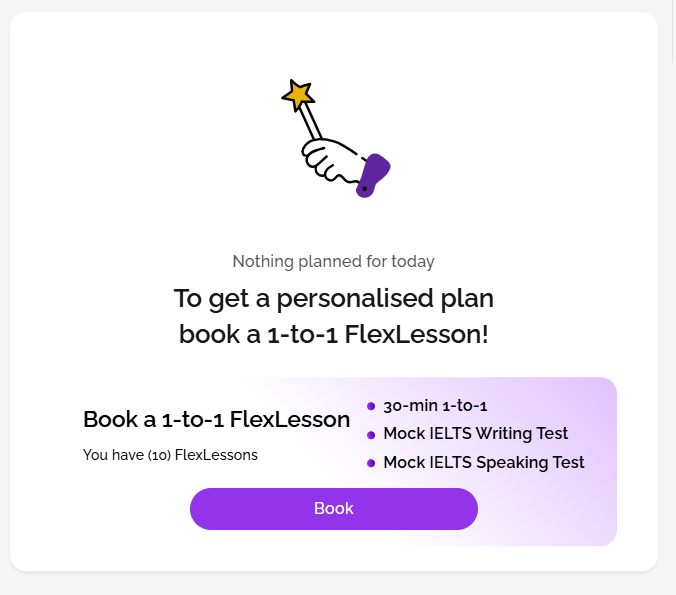
On your IELTS Flex homepage, scroll down until you see "Book a 1-to-1 FlexLesson". Click the Book button.
Step 2: Choose Your Date
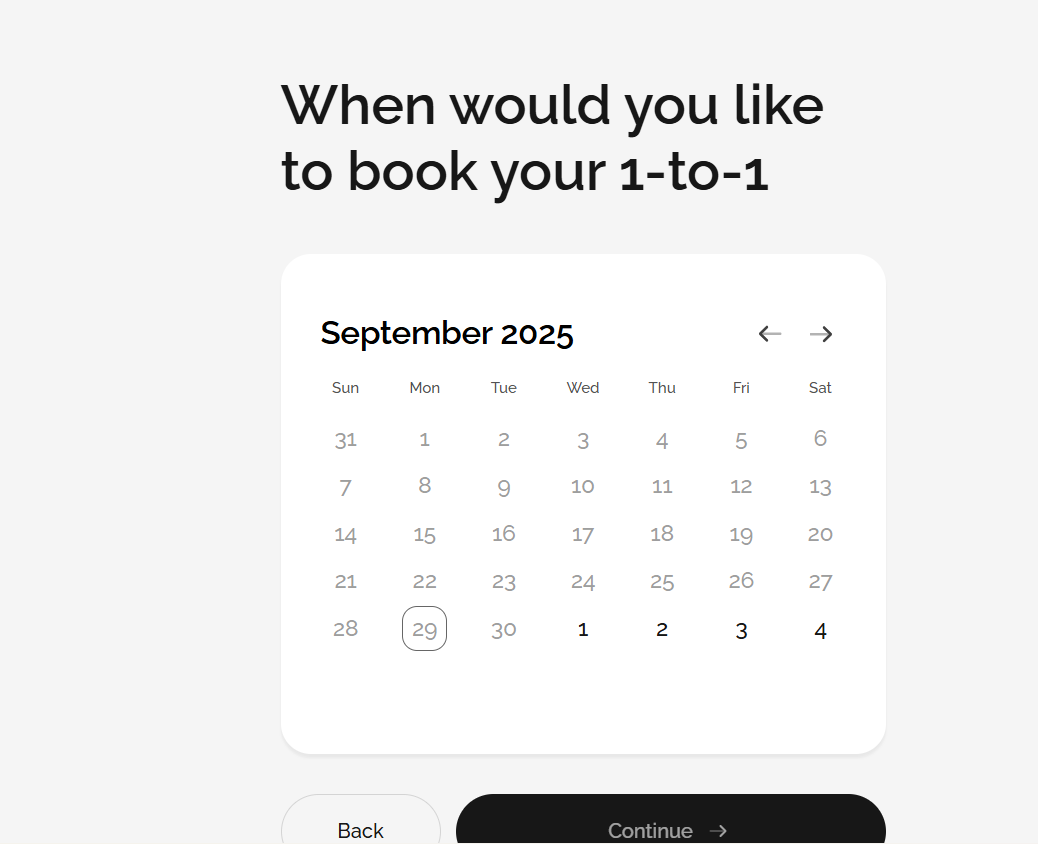
Select the date you'd like for your session, then click Continue.
Step 3: Pick a Time Slot
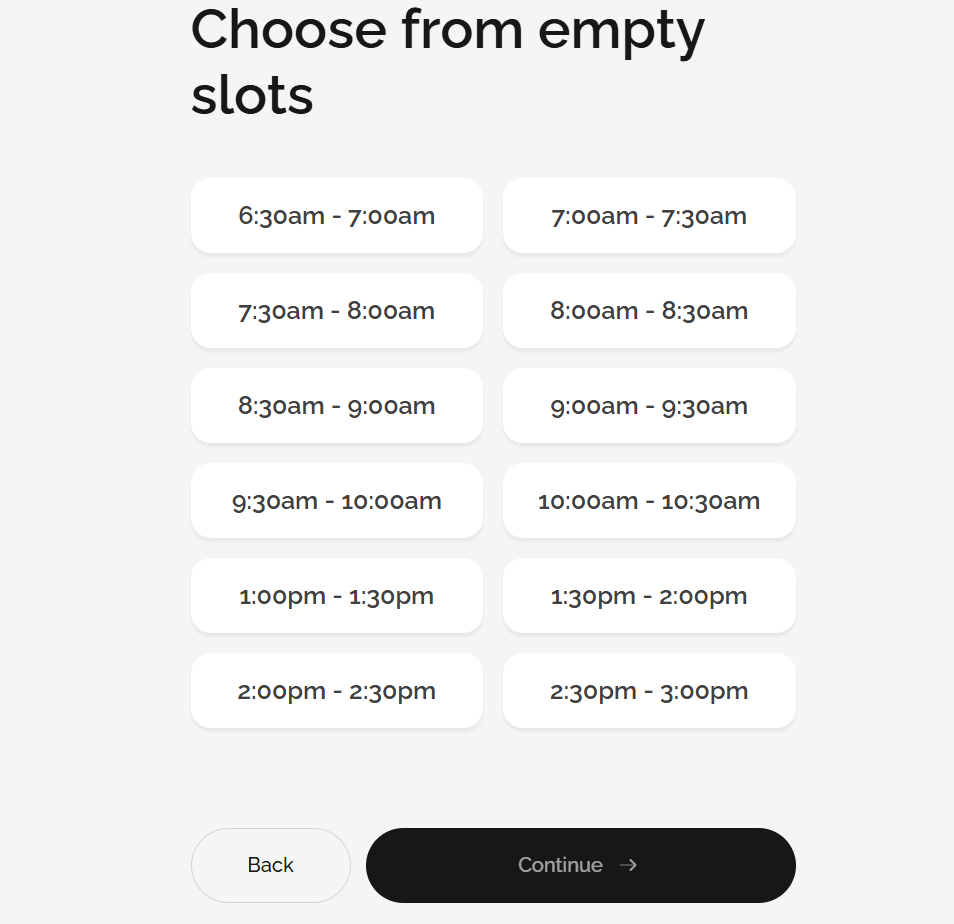
Choose an available time. Times are displayed in your local time zone. Select a suitable slot and click Continue.
Step 4: Tell Your Tutor What You Need
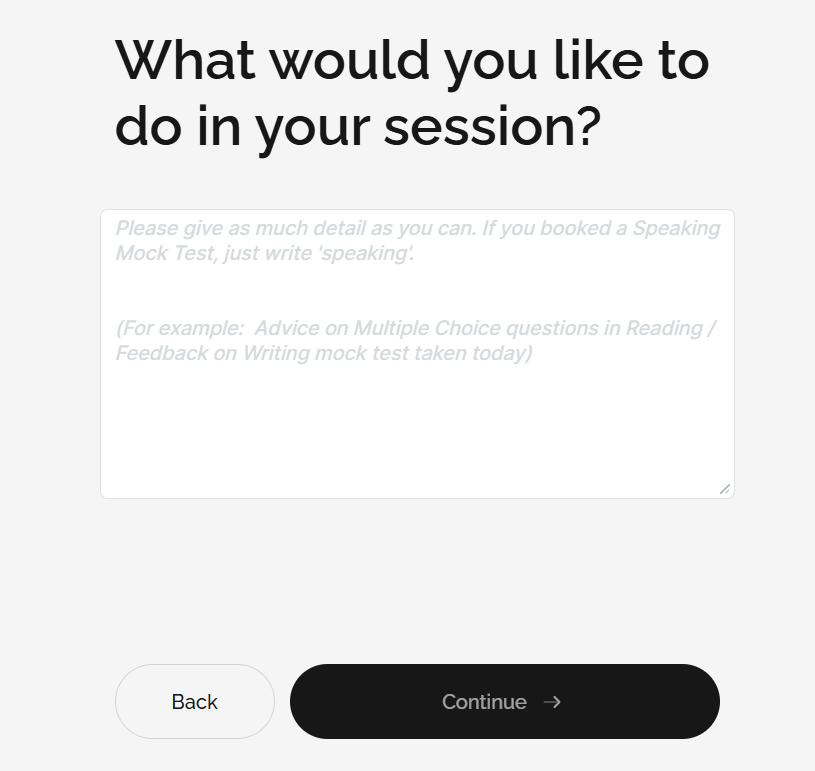
Write a short note about what you'd like to focus on in your session. If you want a mock Speaking test, simply type "Speaking". For other sessions, you might write something like:
"I need help improving my essay structure."
"I want advice on answering True, False, Not Given questions."
"I'd like to practise Speaking Part 3 questions."
Giving clear details helps your tutor prepare and support you better. After entering your note, click Continue.
Step 5: Review and Confirm
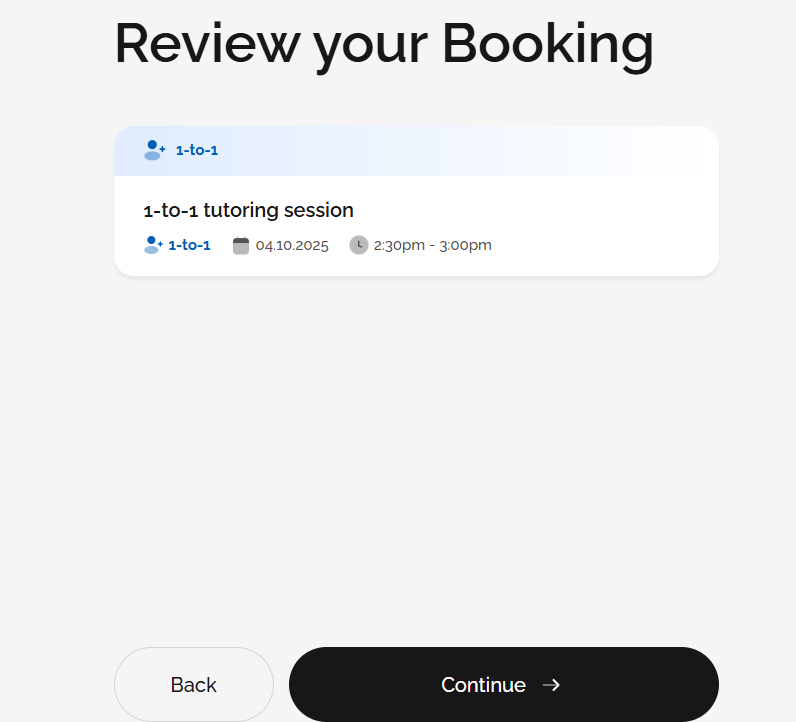
Double-check your chosen date and time. If everything is correct, click Continue to confirm your booking. You will then receive a confirmation email.
---
Booking Mock Tests
You can also book a live mock Speaking exam or get expert tutor feedback on a mock Writing exam directly through the Practice area in the menu on the left:
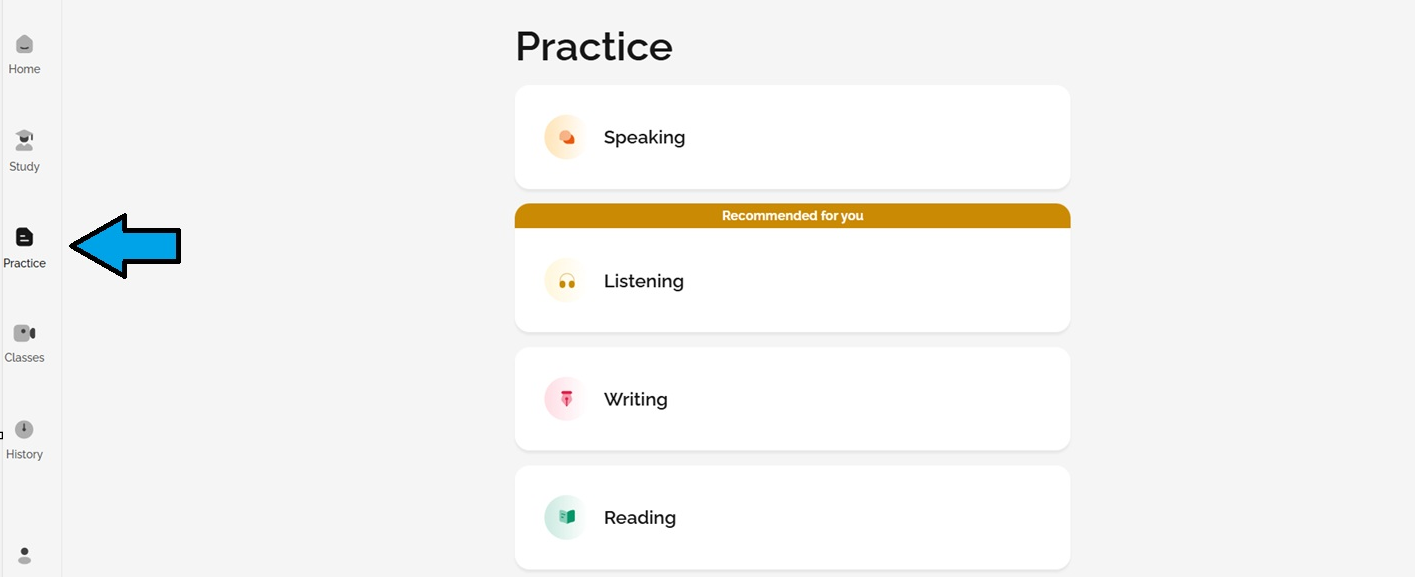
Click Practice.
Choose either Speaking or Writing.
Select Take a mock test.
Choose Get Tutor feedback or With Tutor Feedback and follow the instructions.
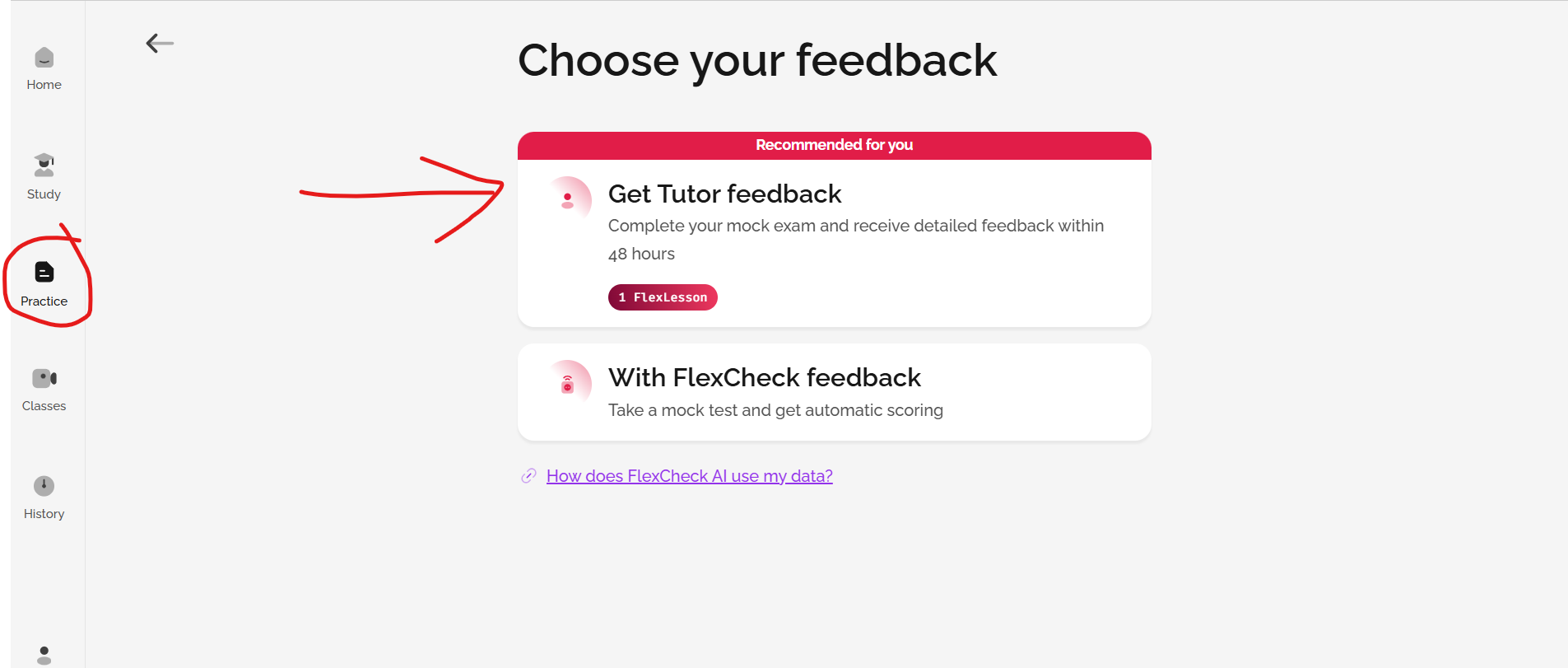
For Speaking, you will book a specific date and time for a live mock test with your tutor.
For Writing, complete the mock test online. Your writing will then be sent to a tutor who will give you detailed, expert feedback within 48 hours.
Was this article helpful?
That’s Great!
Thank you for your feedback
Sorry! We couldn't be helpful
Thank you for your feedback
Feedback sent
We appreciate your effort and will try to fix the article